Spartan 821/721 Manual Display Overview 21
Files
List all data files stored on the inserted microSD card.
See Chapter 4 Managing Measurement Data Files
.
About
View system information.
See 5.2 About This Meter
.
2.4.4 Display Settings
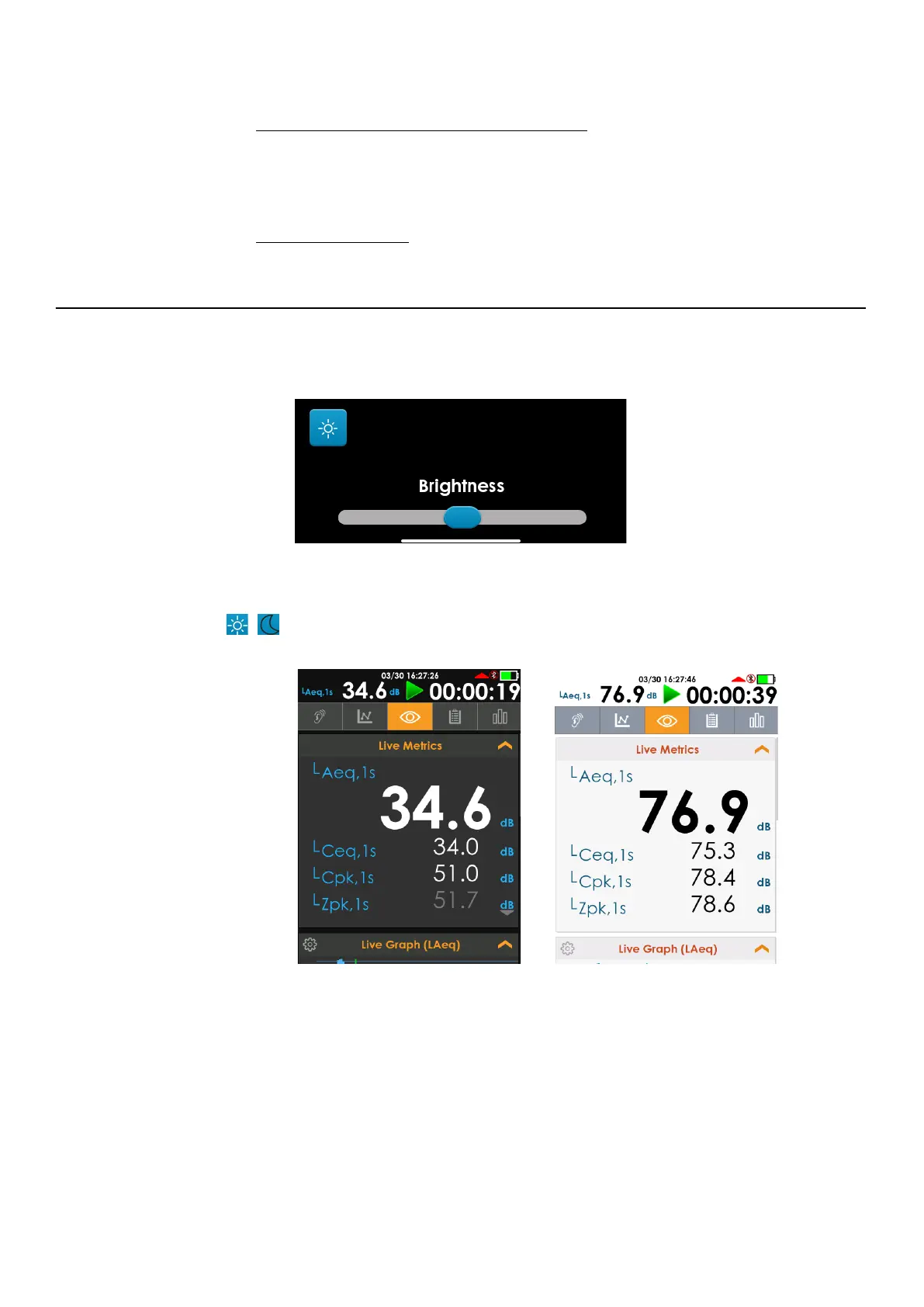
To open the Display Settings, swipe down from the top of any screen.
FIGURE 2-16 Display Settings
The meter has a multi-color, back-lit LCD touchscreen, which allows you to choose light or
dark display theme and adjust the brightness. Tap to toggle the Light/Dark Theme icon
/ . The Dark theme is featured in this manual.
FIGURE 2-17 721/821 Light and Dark Display Themes
Screen Sleep
You can click the power button to put the screen to sleep. And click again to wake up the
screen.



 To Next Page