Spartan 821/721 Manual Working With Internal Storage 22
2.5 Working With Internal Storage
The meter comes with an 8-GB, industrial-grade microSD card installed behind the
microSD card access door.
CAUTION Do not attempt to remove the microSD card while the meter is
powered on. This may result in data corruption or complete loss.
CAUTION Do not open the microSD card access door while the meter is
powered on. This increases the risk of internal damage to the meter due to
electrostatic discharge (ESD).
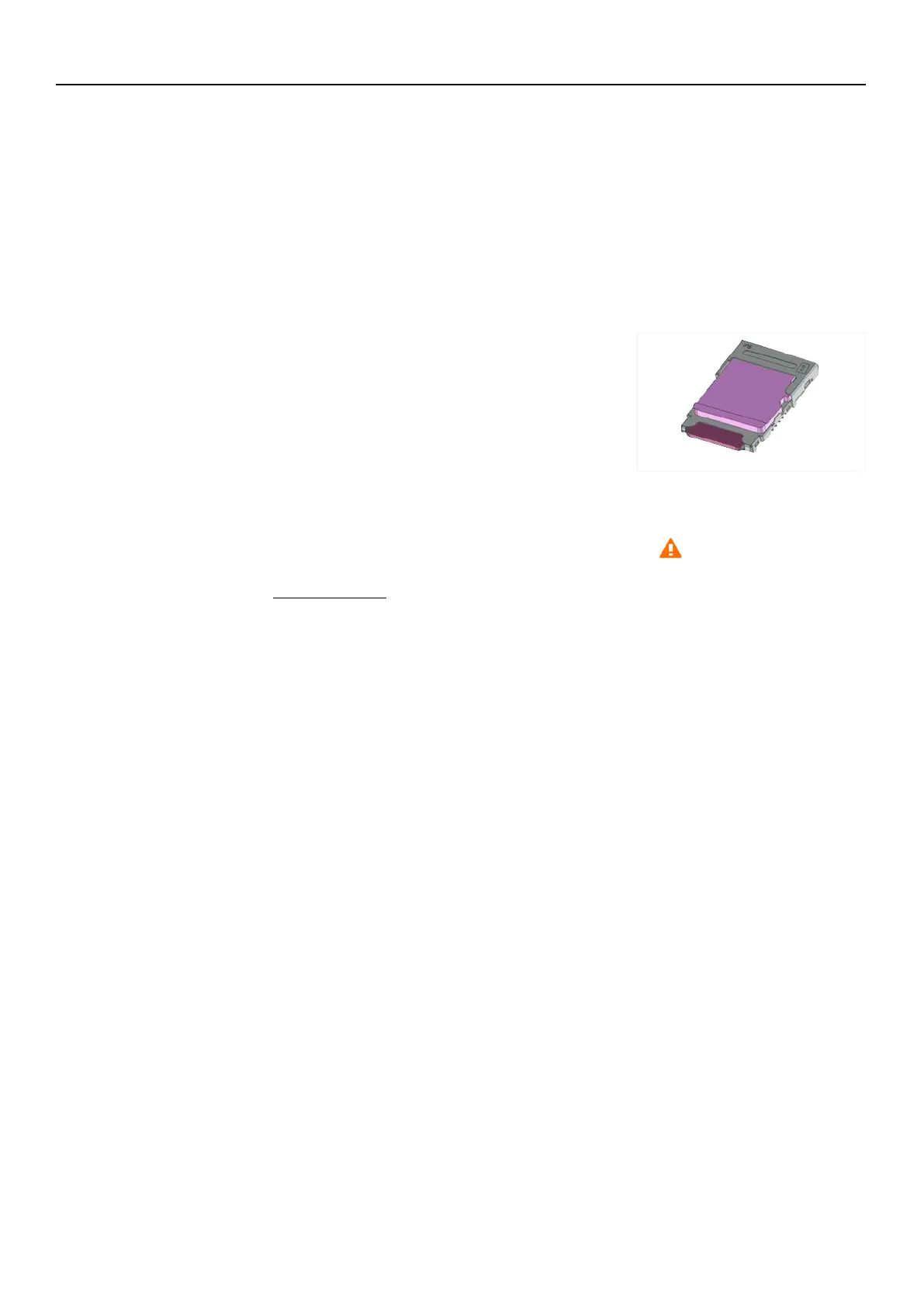
FIGURE 2-18 microSD Card Placement
The meter contains a layered card structure, which
accommodates the microSD card in the top layer and an
unused slot beneath it.
Step 1. Orient the microSD card with copper contacts down.
Step 2. Place the card on the top layer and slide it towards the microphone.
TAKE NOTE When the meter displays the caution icon in the Meter Status bar,
this indicates the card is not accessible to the meter. For more information, see
Caution Status
.
MicroSD



 To Next Page