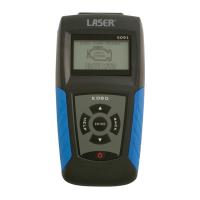
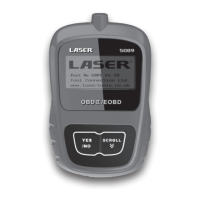
Laser 5089 Code Reader User’s Guide_ Laser 5089 Code Reader User’s Guide_
Laser Fault Code Reader is able to be updated via the internet.
√ The update consists of two parts: program upgrade and DTC upgrade.
√ To update the code reader, you need the following tools:
• Code Reader
• Access to Tool www.lasertools.co.uk
• PC or Laptop with USB Ports and Internet Explorer with
•
Operation System: Win98/NT, Win ME, Win2000, Win XP, VISTA and
Windows 7.
• CPU: Intel PIII or better
• RAM: 64MB or better
• Hard Disk Space: 30MB or better
• Display: 800*600 pixel, 16 byte true color display or better
• Internet Explorer 4.0 or newer
• USB Cable
IMPORTANT
Do not disconnect the code reader from computer, or
power off the computer during the process of updating.
6. Updating the Code Reader
To update program:
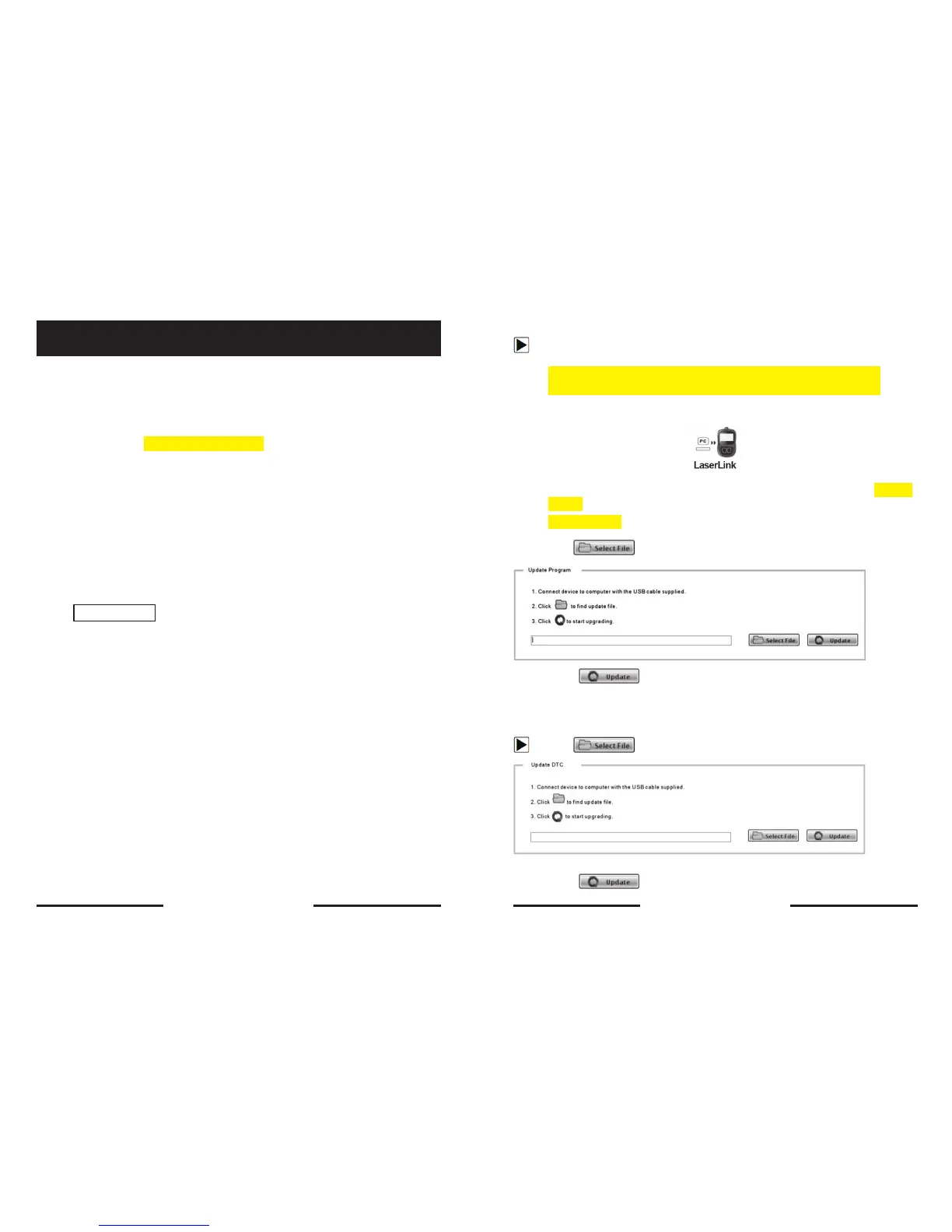
1. Download the update
from our site www.lasertools.co.uk/Products/5089
by selecting Home>Updates>5089 and save the applications and
files in computer disk.
2. Unzip the update tool file. Follow instructions on computer screen to
install the tool and driver.
3. Double click the desktop icon to launch the application and then select
5089
4. Connect 5089 to computer with the USB cable provided.
5. Use
to locate update file downloaded.
6. Click to start updating.
To update DTCs:
√ It may takes several minutes to update the DTCs.
1. Use to locate update file downloaded.
2. Click to start updating.
30 31


 To Next Page