Laser 5089 Code Reader User’s Guide_ Laser 5089 Code Reader User’s Guide_
IMPORTANT
IMPORTANT
indicates a situation which, if not avoided, may result in
damage to the test equipment or vehicle.
Example:
IMPORTANT
Do not soak keypad as water might find its way into the
code reader.
NOTE
NOTE
provides helpful information such as additional explanations, tips, and
comments.
Example:
NOTE
Not all data are supported by all vehicles.
Screens
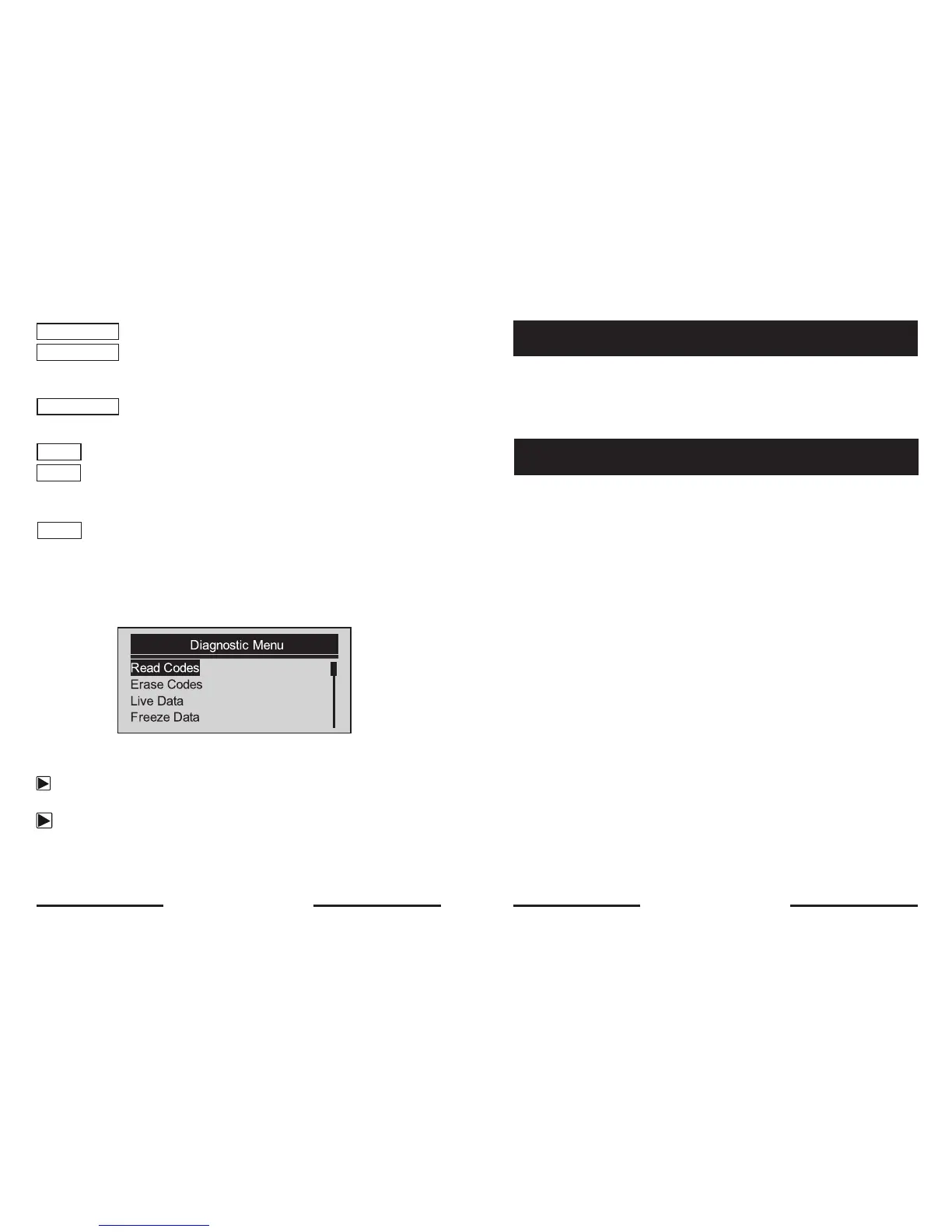
Some help messages, information, and data displayed on the code reader are
also shown in graphical text boxes. The screens presented are examples only
and actual test screens may vary for each vehicle being tested.
Example:
Arrow Icon
An arrow icon indicates a procedure.
Example:
To change menu language:
1. Use the SCROLL key to select Language from System Setup screen.
2. Press the YES/NO key to confirm.
This tool is specially designed to read/clear codes, read live data, retrieve freeze
data and request vehicle information on OBDII/EOBD compliant cars, SUVs,
light-duty truck and mini-vans sold worldwide since 2000.
What is OBD?
The first generation of On-Board Diagnostics or OBD I was introduced in early
1980’s to control engine functions and diagnose engine problems by vehicle
manufacturers. As the OBDI lacked standardization of protocols and interface, it
allowed different interpretations among vehicle manufacturers.
OBDII, the second generation On-Board Diagnostics, improved in both
capability and standardization, is a system developed in mid 1990’s by the
Society Automotive Engineers (SAE) to standardize automotive electronic
diagnosis. EOBD is European version of OBDII required in Europe since 2001.
The OBDII standard specifies:
• A generic diagnostic port (Data Link Connector) and its pinout;
• The protocols and the messaging format;
• A standard list of vehicle parameters identifications;
• A standard list of diagnostic trouble codes (DTCs);
4. Introduction
4.1 About OBDII/EOBD
8 9


 To Next Page