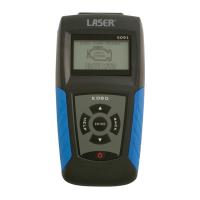
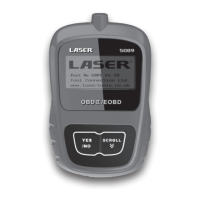
Laser 5089 Code Reader User’s Guide_ Laser 5089 Code Reader User’s Guide_
4. Press the YES/NO key to save language setting and return.
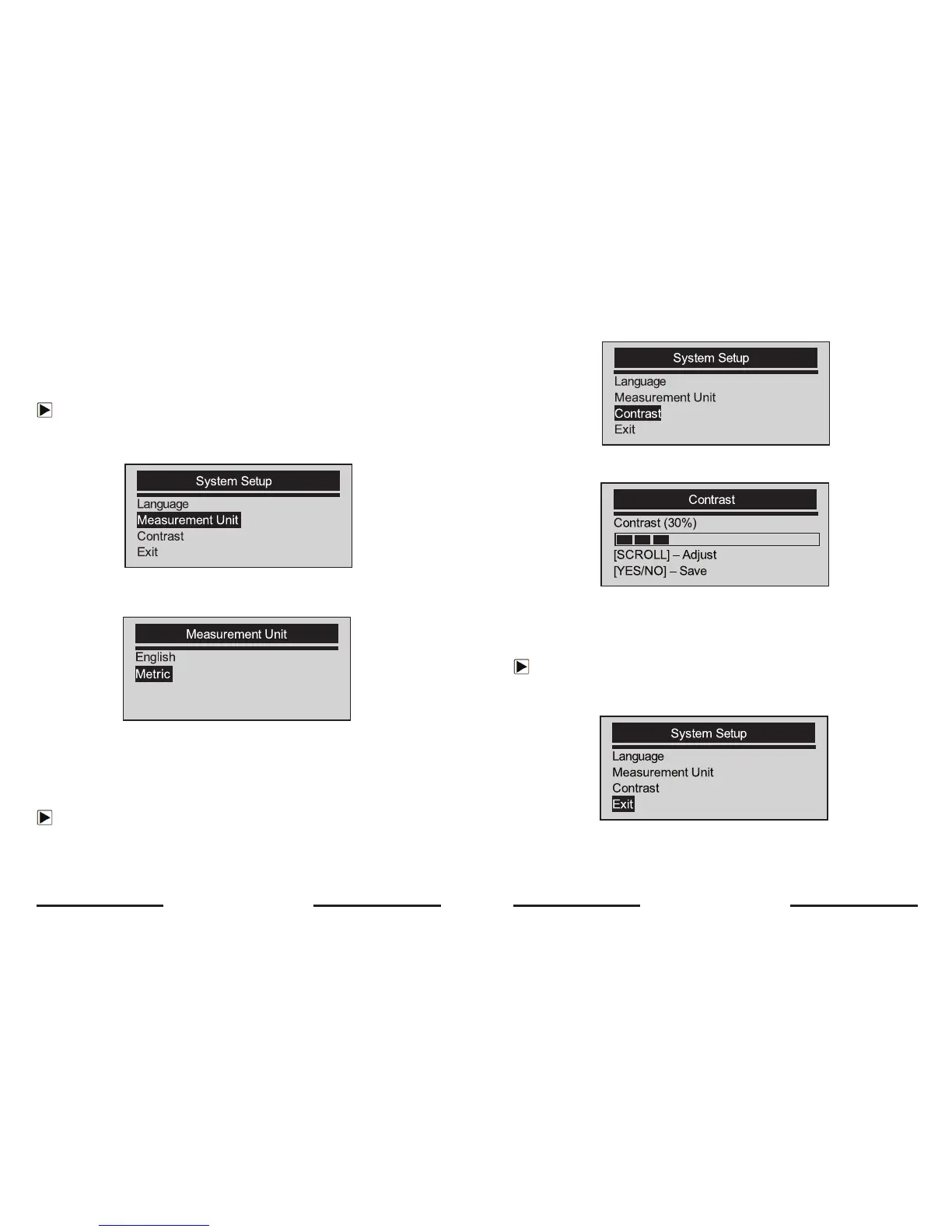
Changing Measurement Unit
√ Metric is the default measurement unit.
To change measurement unit:
1. Use the SCROLL key to select Measurement Unit from
System Setup screen.
2. Press the YES/NO key to confirm.
3. Use the SCROLL key to select desired measurement unit.
4. Press the YES/NO key to save measurement setting and return.
Adjusting Display Contrast
To adjust display contrast:
1. Use the SCROLL key to select Contrast from System Setup screen.
2. Press the YES/NO key to confirm.
3. Use the SCROLL key to adjust contrast.
4. Press the YES/NO key to save contrast setting and return.
Exiting System Setup
To quit system setup:
1. Use the SCROLL key to move Exit from System Setup screen.
2. Press the YES/NO key to confirm and exit.
16 17


 To Next Page