14
III. HARDWARE INSTALLATION
Caution:
! Turn all equipment off before making any
connection.
! Check the plug of the power cord to see if it matches the wall outlet. If not,
please contact your dealer.
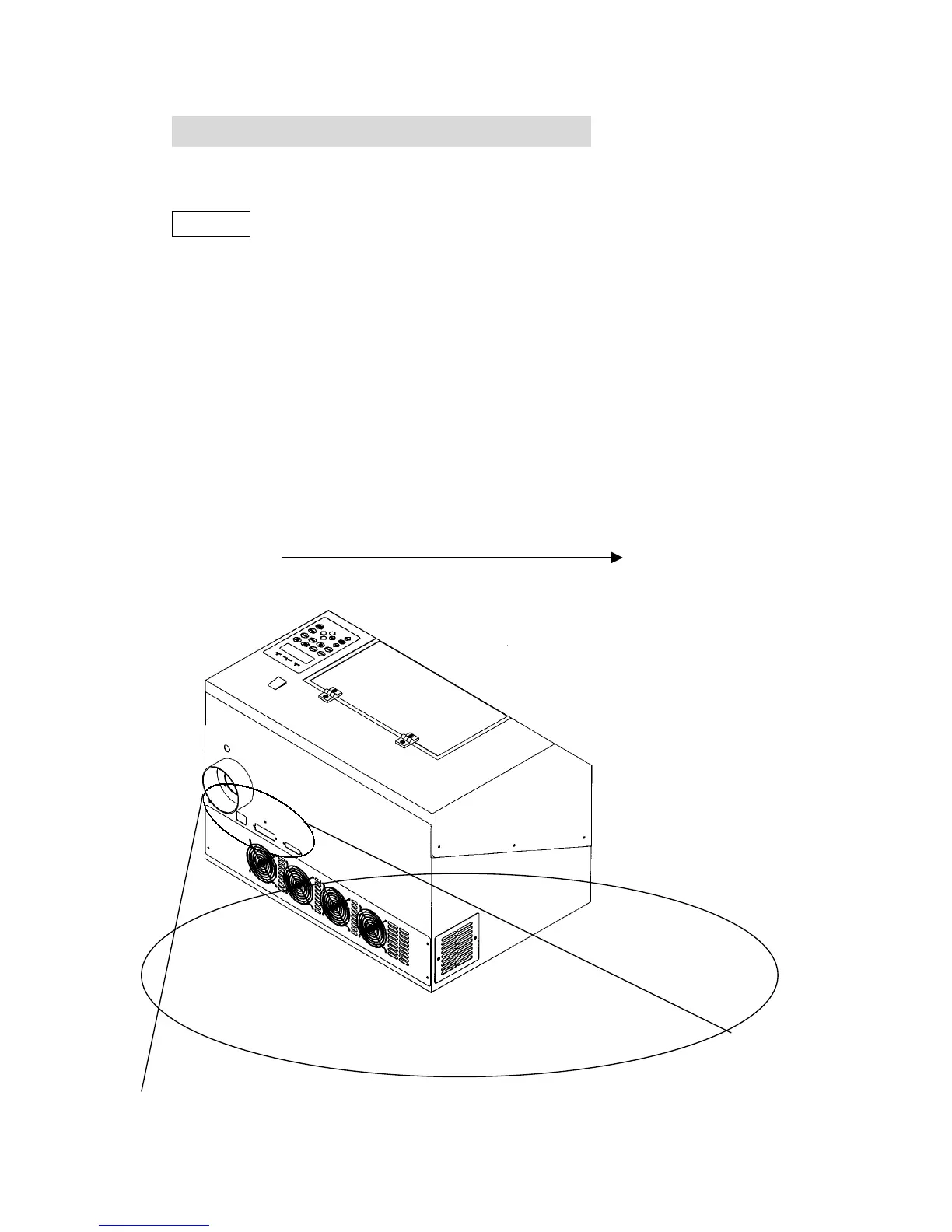
Cabling Connection:
1. Insert the power cord (male) into a well grounded power outlet.
2. Plug the other end (female) into the engraver. The engraver has been designed to
switch from 100~240 VAC automatically.
3. The engraver can communicate with a computer through either a serial (RS-232C)
or a parallel port (Centronics).
Power on/off
Switch
15AMP resetable
fuse
Parallel Interface
Connector
3AMP resetable fuse
AC Power
Connector
Fig. 4
Serial Interface
Connector



 To Next Page