EasyManua.ls Logo

LaserPro Venus - Start to Operate

Default Icon
59 pages
Print Icon
To Next Page IconTo Next Page
To Previous Page IconTo Previous Page
Loading...
19
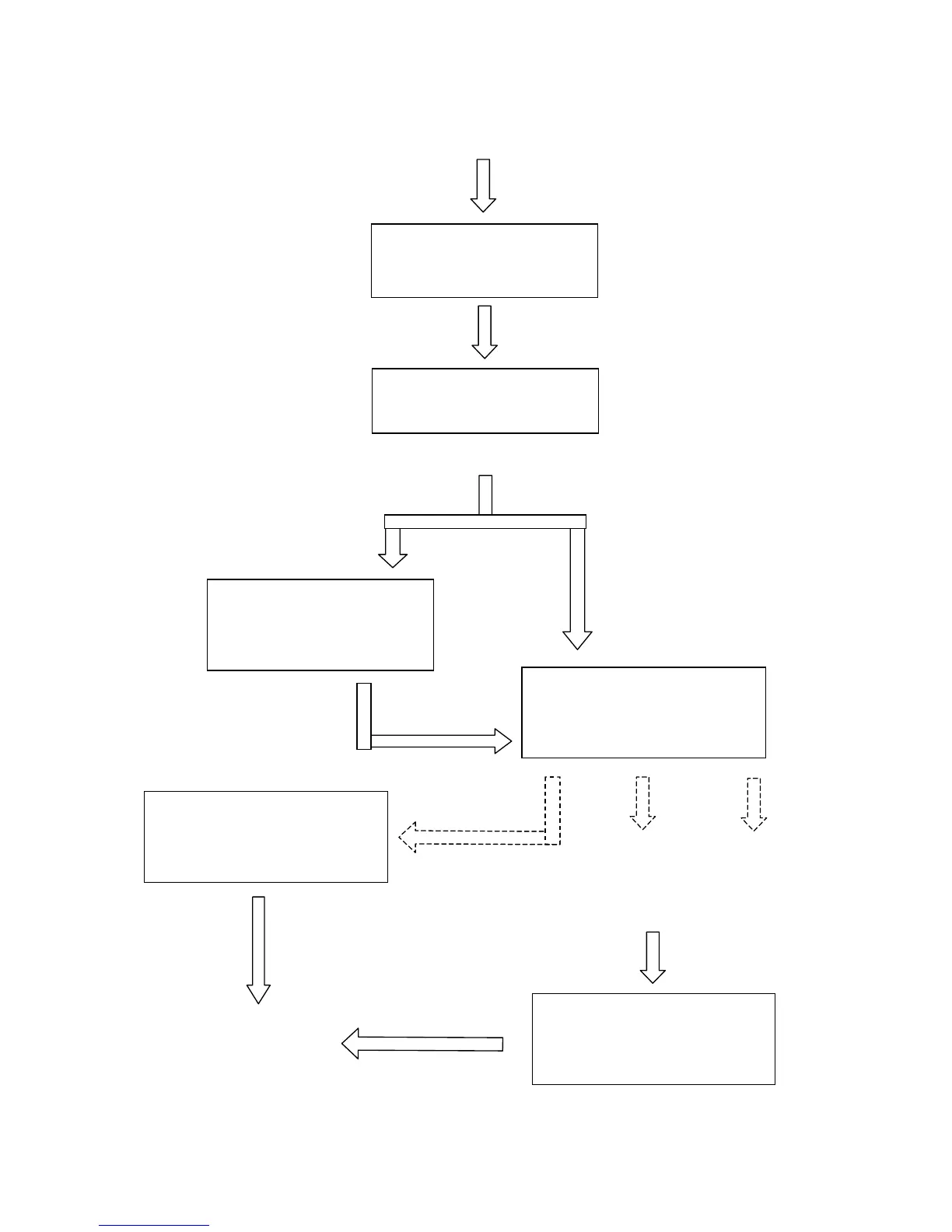
Start to Operate
Press
FUNCTION
key for further
setting
selection
Single file status
Under STARTcondition
Upon the receipt of files, start to
engrave/cut
LaserPro VENUS
Firmware VX.X
Copyright 200X
Initializing
Please wait
Table moves down about 50mm automatically
File:
Speed: %
Power: %
DPI:
File:
Speed: % 00:00
Power: % STOP
DPI:
Multiple file status
Under STOP
condition
Press START/STOP,
turn to STOP condition
File: # x file name
Speed: xx.x % 00:00
Power: xx % PPI: xxxx
DPI: xxx xxx K
Send a new file
from host computer
then press
NEXT FILE
to show the file
name on LCD.
Press
NEXT FILE
to get a desired
file
Press
START/STOP
to en
g
rave/cut
File: # x file name
Speed: xx.x % 00:00
Power: xx % PPI: xxxx
DPI: xxx xxx K
Power ON