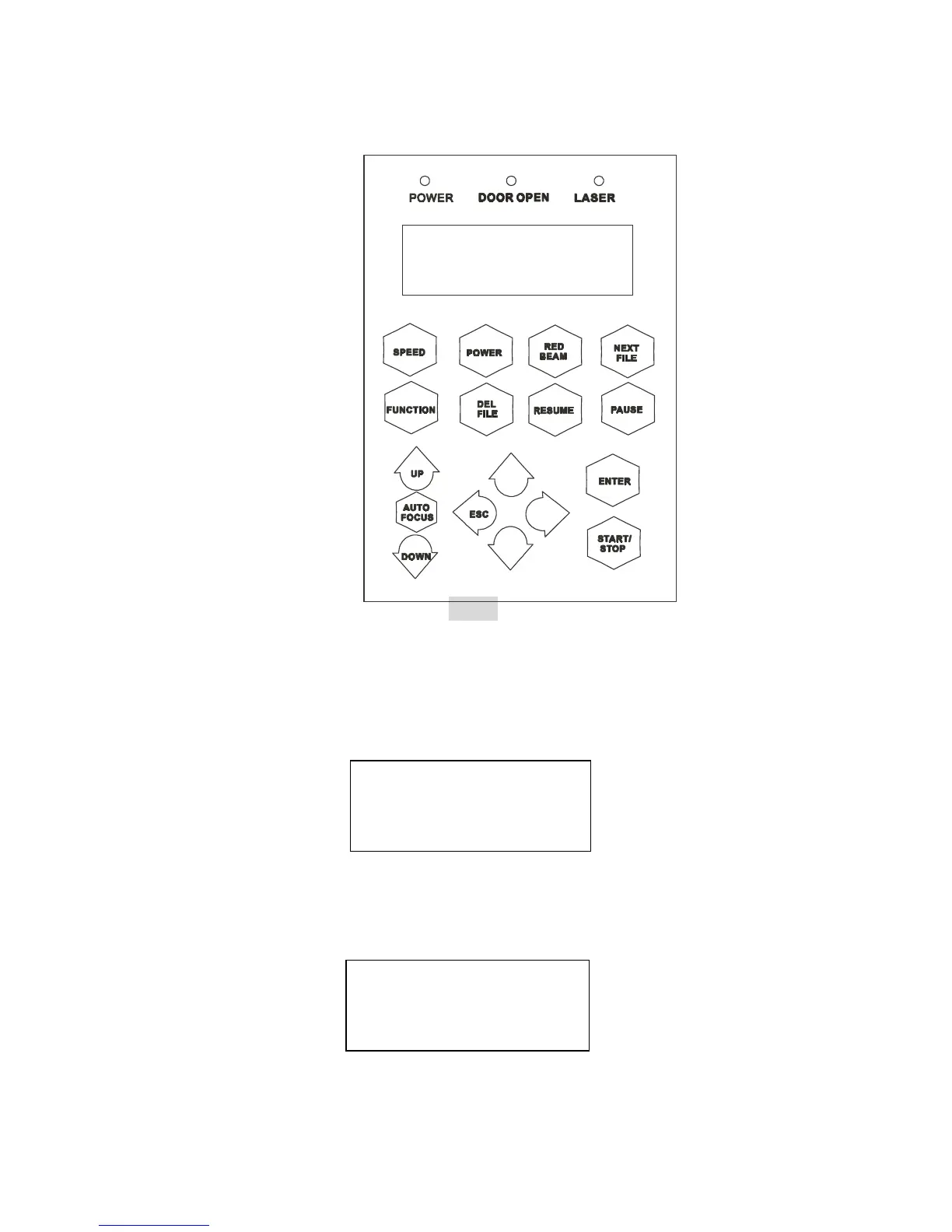
20
START/STOP
! Single File Mode:
Turn on power, VENUS is under START condition and ready to receive a file. LCD
shows as follows:
Upon the receipt of a file, VENUS starts to engrave/cut immediately. When a job is
done, LCD will show the working time such as 100s means 100 seconds.
Press START/STOP key, turn the engraver to STOP condition. LCD shows as
File:
Speed: %
Power: %
DPI:
File: file name
Speed: xx % 01:10
Power: xx % STOP
DPI: xxx
Control Panel
IX. Fig. 6



 To Next Page