15
! Parallel Transmission
Connect a parallel cable to the engraver (parallel port) then to the parallel port
of the host computer.
Caution:
Never use a mechanical switch box when a second printer port is required.
The electrical surges can cause damage to the computer and the engraver.
! Serial Transmission
If you are using IBM PC, PS/2 or their compatibles, connect the supplied
RS-232C cable to the engraver (serial port) then to the serial port of the host
computer.
! Interface for Macintosh
To operate the engraver with a Macintosh computer (e.g. Power Mac), you
need a MAC modem cable (DIN8 to DB25) as an adaptor to connect to the
RS-232C cable.
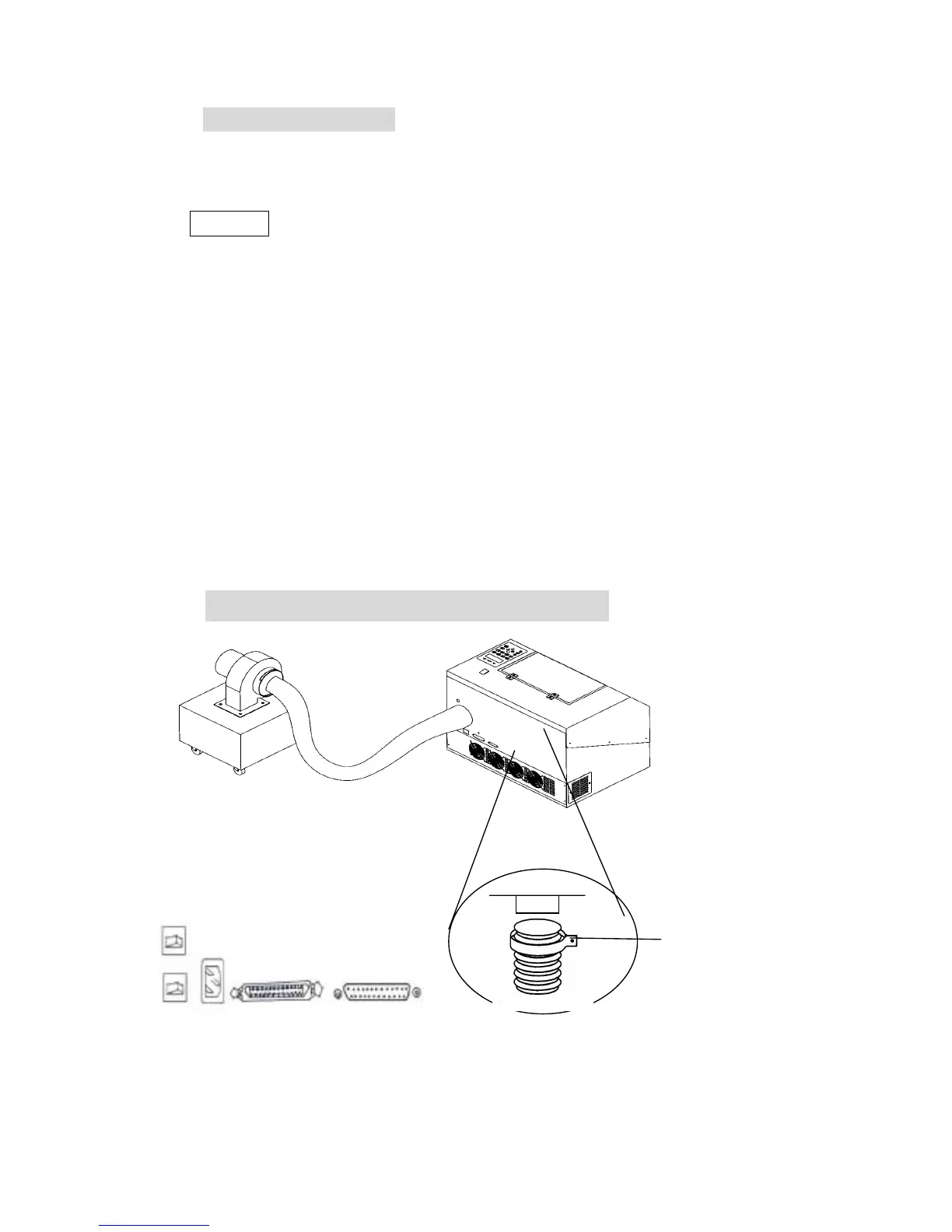
II. Exhaust Vent
2 or 4 inch
diameter



 To Next Page