56
Appendix II. 3D Function
Tip for 3D Application
When doing 3D sample on LaserPro Mercury (L-25), acrylic or MDF wood are
ideal materials for the purpose. For acrylic the suggested PWR is 100%, SPD around
30%(depends on how deep you want to cut).
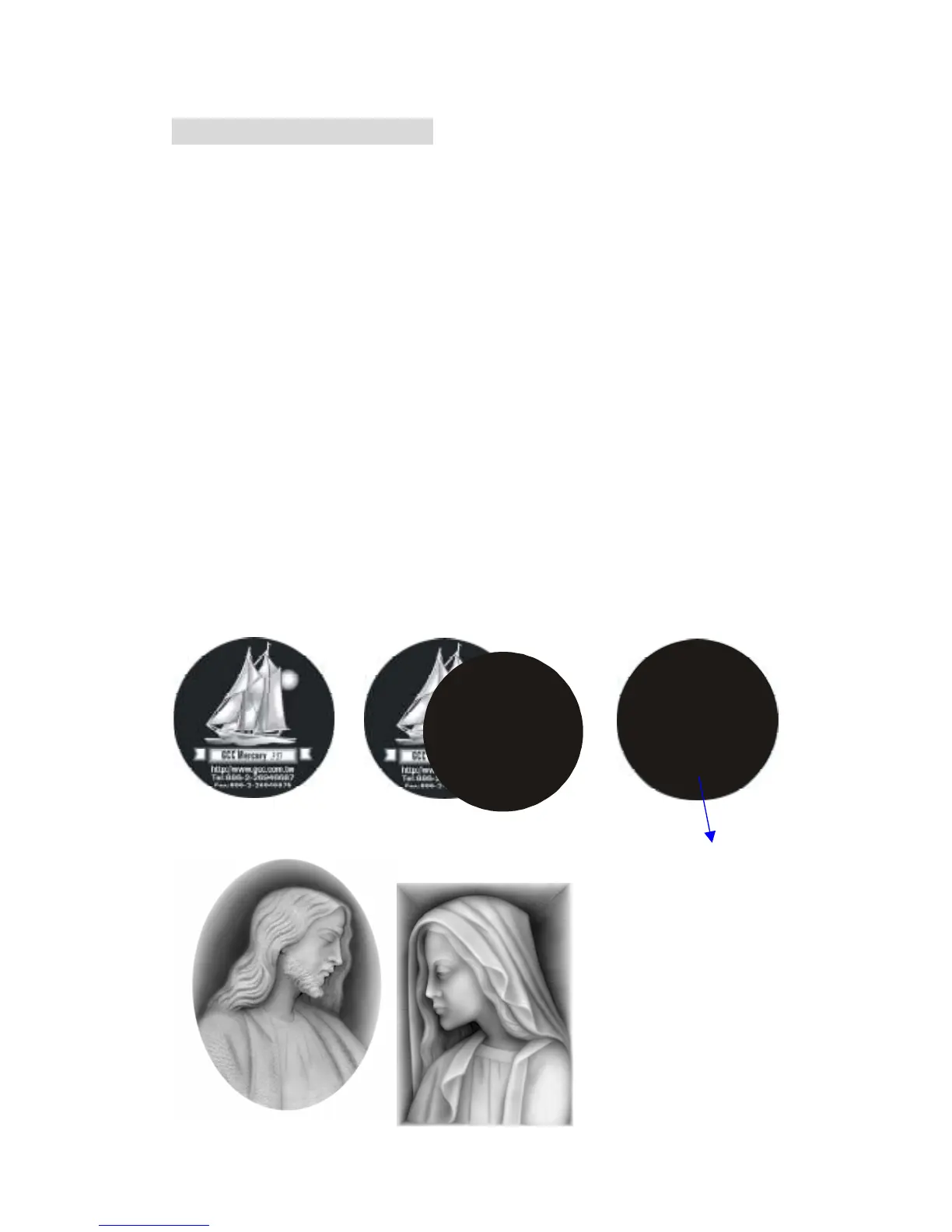
The perfect image for 3D is like those shown below. When image is ready,
choose 3D Effect as the output mode in the driver. Sometimes, some material
shows better effect if you run the job with 2nd pass with laser out-of-focus.
Especially with acrylic, the 2nd pass will smooth out the surface.
For engraving wood, as it burns easily and leaves blackened surface after the
1st pass, it is necessary to run the 2nd pass to remove the burned surface. To do
that, simply fill the image with black colour as the mask (see below) and Run the
black mask image with PWR 100% and SPD100%.
Create a black image
for polishing



 To Next Page