40
Mode:
! Black & White mode
Let you obtain half-tone effect quickly without going through complex steps
of application (operating procedures shown as :a) Editing file, and b)
Engraving, on the following paragraph) softwares to obtain the similar effect.
You can choose the look of the laser engraved photo by applying one of the
driver software’s halftone options: Fine, Coarse or Error Diffusion.
#
Fine
Apply a 17-grade-half-tone with 4x4 dots pattern, consists of a small and
closely spaced dots.
#
Coarse
Apply a 65-grade-half-tone with 8x8 dots pattern, consists of larger, more
prominent dots. Represent a better contrast effect but result in a lower
resolution than Fine Mode of 4x4.
#
Error Diffusion
This is not really a halftone pattern but to manipulate the fill pattern in a
photograph ( a TIF image) through a series of random black and white pixels
that represent shading. The random pixel pattern tends to result in an image
that has more contrast and is more realistic looking.
#
Contrast
Enhance the grayscale level to get a better image contrast result in a good
engraving image (refer to Fig.9).
#
Pattern Type
The Fine or Coarse halftone pattern has three kinds of layout options.
Dot (default setting)- A halftone pattern consists of dots.
Corner- The dark dot spread from the left upper corner of the pattern result
in a little triangle shape to imitate a shading effect.
Random- A random halftone pattern.
NOTE:
Black & White mode is the easiest way to get the half-tone effect.
However if a higher image quality is required, please refer to the
following steps operated by CorelDRAW V. 8.0.
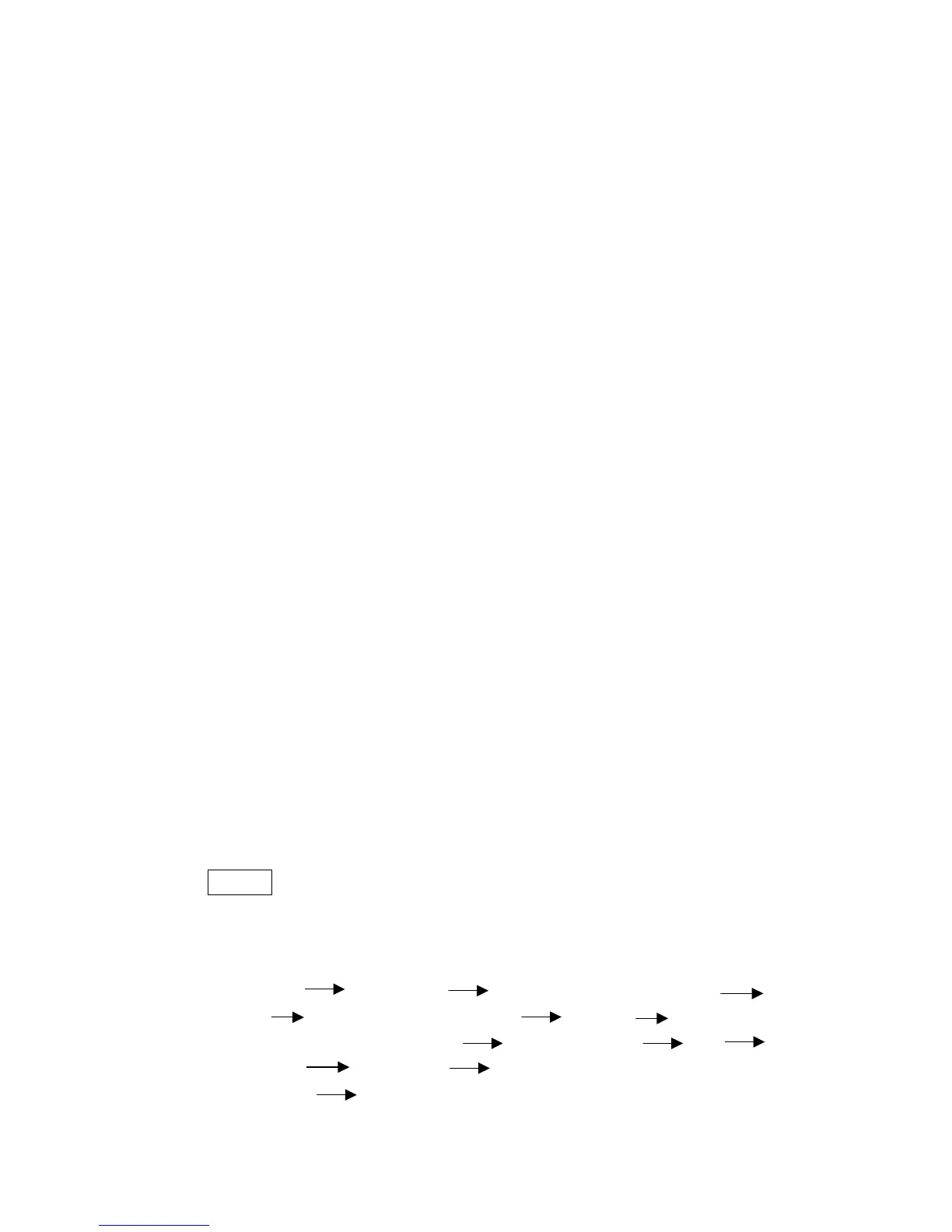
a) Editing file:
Layout Page Setup Set from Printer, Landscape
OK Edit desired file (picture etc.) Bitmap Transfer to
Bitmap, 256 shades of gray chose proper DPI OK
Bitmap Convert to Black and White, choose error
diffusion OK



 To Next Page