46
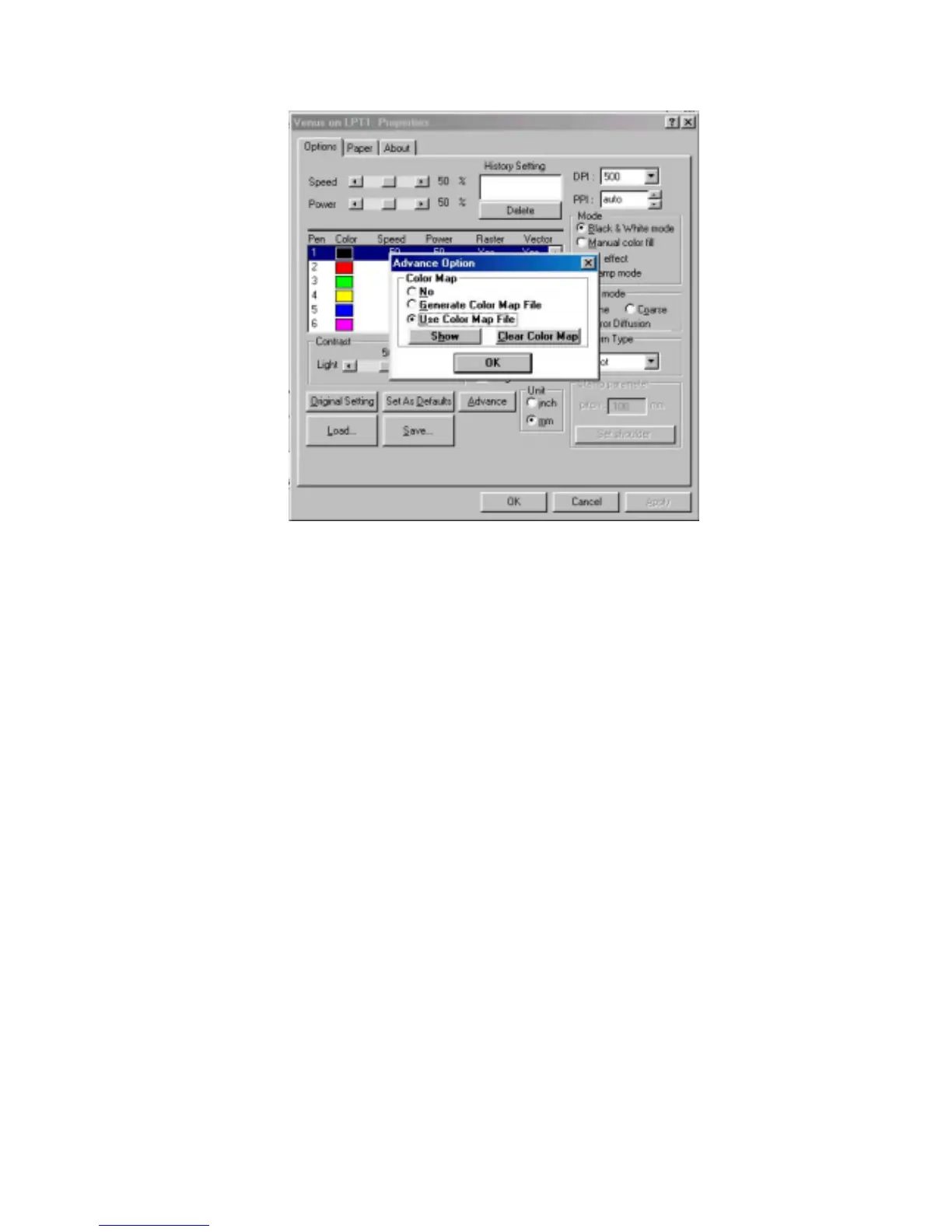
Fig. 14
! Original Setting
Recall the default value set by manufacturer.
! Set As Defaults
Save your constantly used parameters as a new default setting. Thus, whenever
you open a new file, the default setting will be adopted automatically.
! History Setting
Limited 10 constantly used files and parameters can be saved in the History
Setting. To recall, please double click the file name.
! Save
Clicking this button and give a file name to save your file or save the file into the
History Setting through the instruction of dialog.
! Load
Click this button to reload old file.
! To modify color
Double click the color box (refer to Fig. 15) to modify the color by adjusting the
RGB (Red, Green and Blue) ratio.



 To Next Page