- 39 -
DELETING FORMULAS
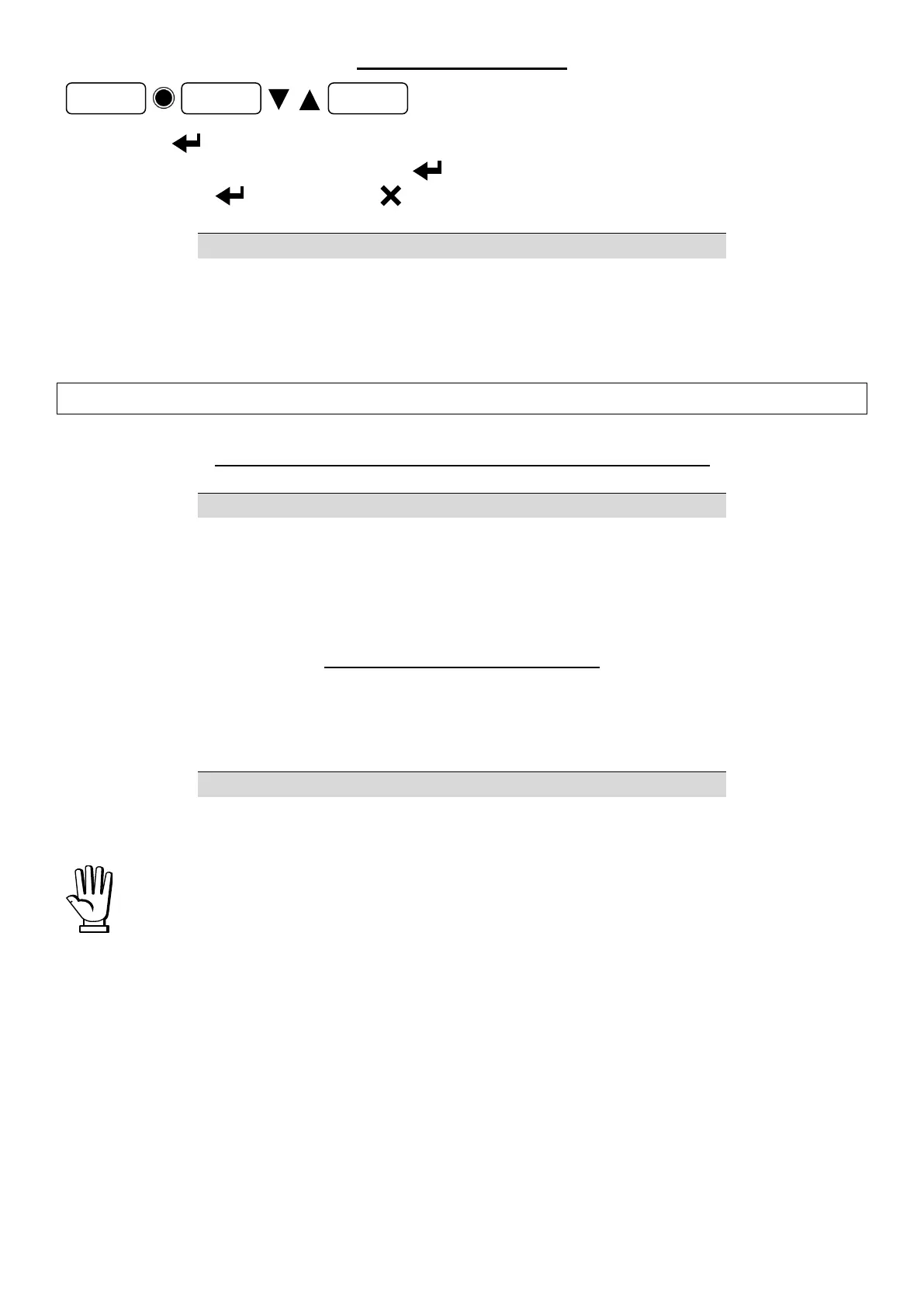
Confirm with the prompt, to delete one formula enter the formula number, to delete all
formulas enter 00 (), confirm with , you will be prompted to confirm (), to delete
confirm again with otherwise press to cancel the command.
Write the number of the formula to be deleted in W2 (to delete all formulas write 0) and send
command 2040 to CMDR.
INSTRUMENT MANAGEMENT DURING THE BATCHING
INFORMATION ABOUT THE BATCHING IN PROGRESS
Send command 2032 to CMDR and read the numbers of running cycle and formula in R1 and R2
respectively.
BATCHING STOP AND PAUSE
Open the START contact and close the STOP contact to stop the batching. If the START contact
remains closed, the alarm is activated and the batching is not stopped.
To stop the batching, make sure the START contact is opened and send command 204 to CMDR.
If the START contact is closed, the alarm is activated and the batching is not
stopped; check the input status in the INS register before sending the command.
To pause the batching send command 202 to CMDR, to resume it send command 203 to CMDR.


 To Next Page