- 41 -
BATCHING DATA ALARMS
The quantity set in formula is greater than the maximum weight
The weight is greater than the minimum weight set
The product is not being loaded
The product is not being unloaded
The fall is greater than the quantity to be batched
Waits for the confirmation of data reading from PC
CONSUMPTION MANAGEMENT
If in batching constants consumption is enabled ( = ), the batched quantities for each
formula are stored (see section CONSUMPTION FOR EACH FORMULA).
CONSUMPTION READING
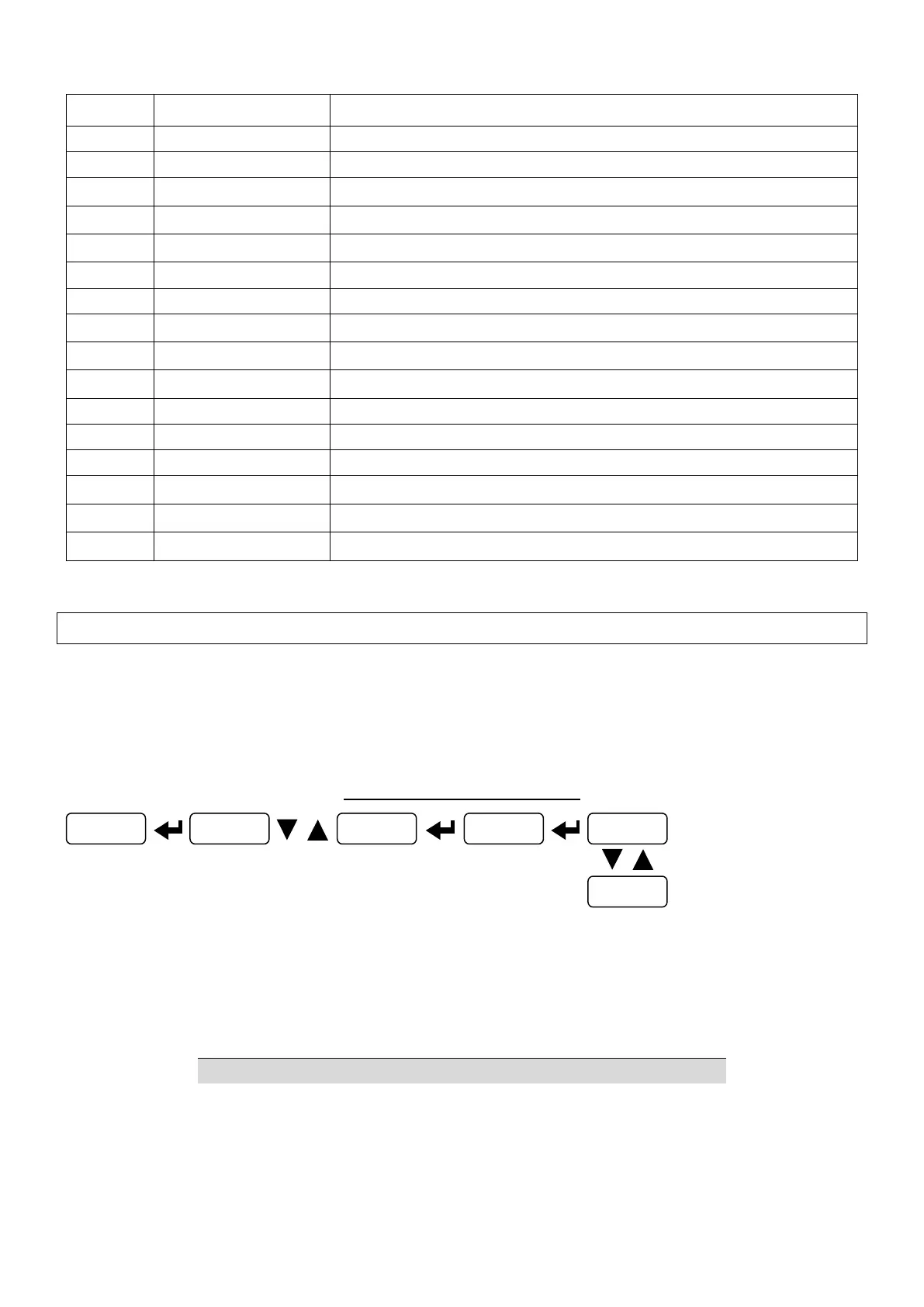
Selecting the following information is displayed:
- total quantity consumed for all formulas (divided by 100);
- quantity consumed for each formula.
Write the formula number in W2 and send command 2020 to CMDR; read the consumption related
to the formula in R1.



 To Next Page