EasyManua.ls Logo

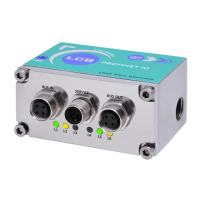
LAUMAS LCB - IO-LINK (LCBIOLINK Only); Pc;Plc Setup; Status Led

LAUMAS LCB
80 pages
Print Icon
To Next Page IconTo Next Page
To Previous Page IconTo Previous Page
Loading...
- 50 -
IO-LINK (LCBIOLINK only)
PC/PLC SETUP
The instrument works as device in an IO-Link network and allows to exchange the weight and the
main parameters with an IO-Link gateway.
The IO-Link protocol uses point-to-point network connections between gateway and device;
use only one communication interface connector (see the Installation Instructions manual).
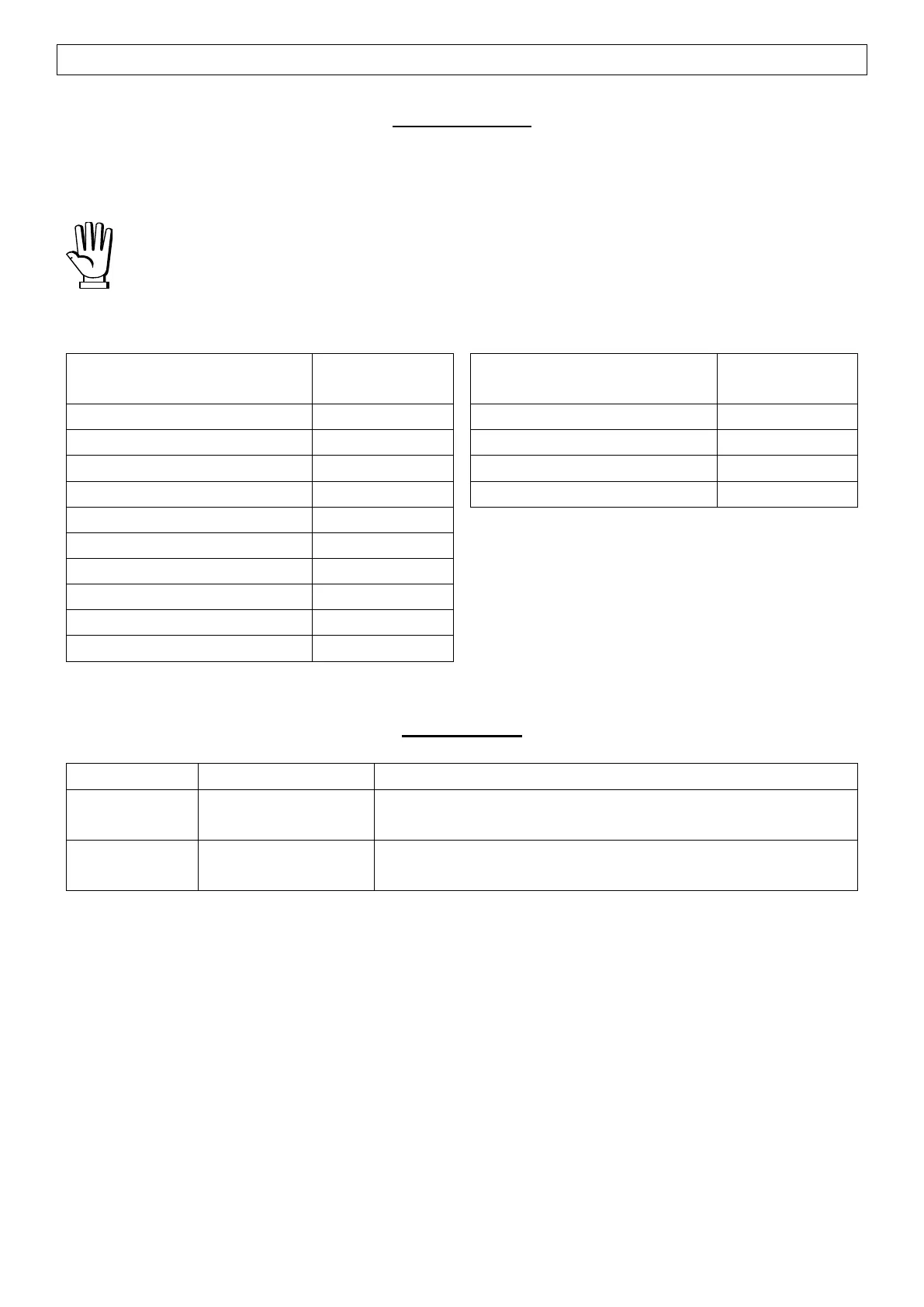
The data exchanged by the instrument are:
Output Data
from instrument (reading)
Addresses
Input Data
to instrument (writing)
Addresses
Gross weight
0x0000-0x0003
Command Register
0x0000-0x0001
Net weight
0x0004-0x0007
Digital outputs command
0x0002-0x0003
Exchange register R1
0x0008-0x000B
Exchange register W1
0x0004-0x0007
Exchange register R2
0x000C-0x000D
Exchange register W2
0x0008-0x0009
Status Register 1
0x000E-0x000F
Status Register 2
0x0010
Instrument status
0x0011
Execution register
0x0012-0x0013
Digital inputs status
0x0014
Digital outputs status
0x0015
STATUS LED
LED
Status
Description
L3
red
blinking
Bus error
L4
green
blinking
Bus OK

Table of Contents