LAUNCH X-431 GDS User’s Manual
11 Diagnostic box Communication module between main unit
and vehicle.
12 Printer Print the displayed results.
13 Power switch Press to turn on the device and hold
pressing to turn off the device.
14 Main display Color touch screen to display the function
interface, touch input or manual input is
supported.
15 Air intake vent Intake air to ensure internal parts
temperature normal.
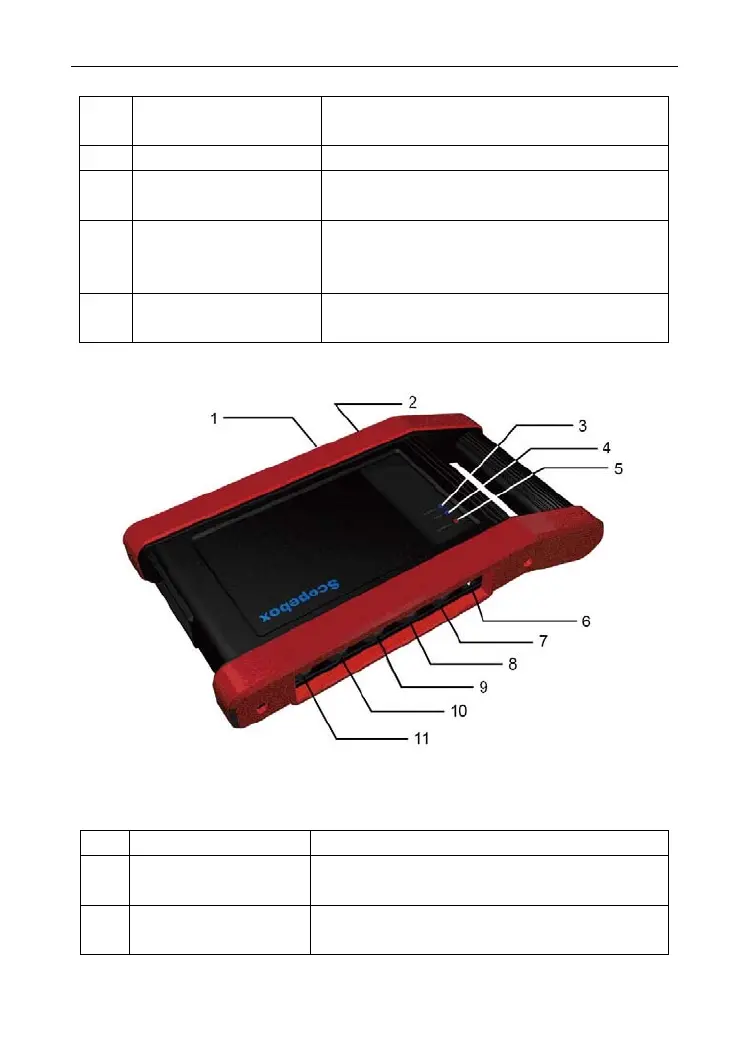
2. Scopebox structure
Figure 2-3 Scopebox structure view
Table 2-2: Scopebox terminals and indicators description
No. Name Descriptions
1 B type USB port Connect to main unit with USB cable when
it is applied as separated USB device.
2 Power connector Connect to power supply via the power
adaptor.
5



 To Next Page