LAUNCH X-431 GDS User’s Manual
1. Change Language
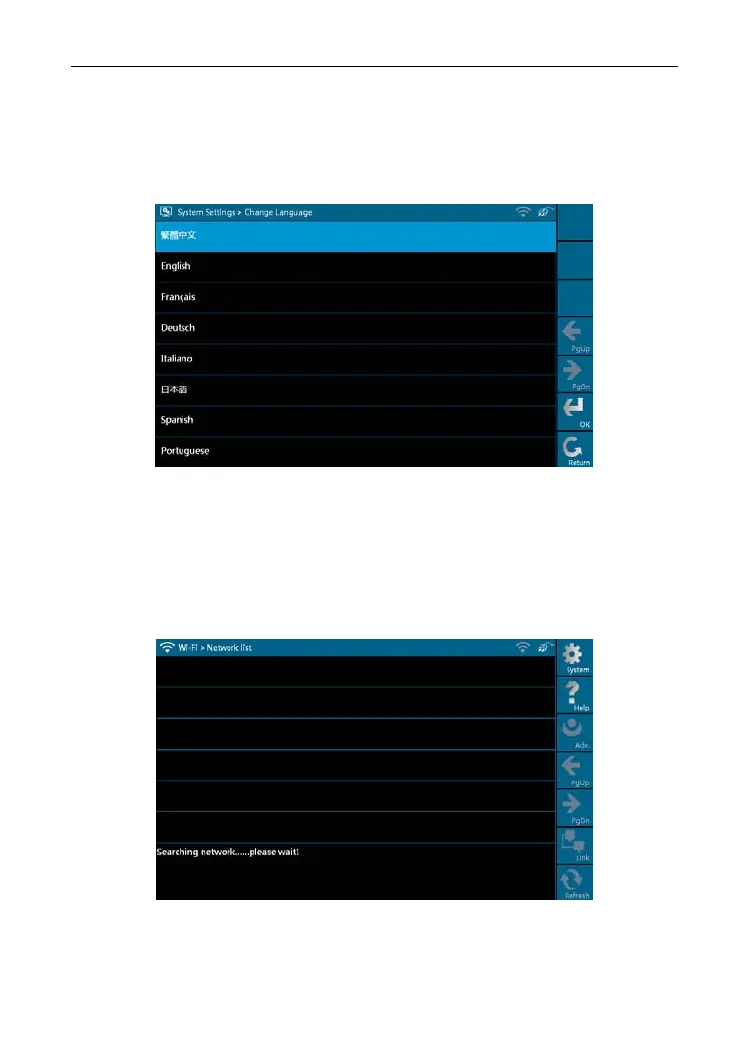
This option is used to define the system language. Total seven languages are
available: Traditional
Chinese, English, French, German, Italian, Japanese,
Spanish and Portuguese, as shown in Figure 2-11.
Figure 2-11
2. Wi-Fi Settings
This option allows you to configure Wi-Fi network.
Select [Wi-Fi Settings] in [Syst
em Settings] and click [OK], the system starts
searching network, as shown in Figure 2-12.
Figure 2-12
It will take some time to search network, after searching, the searched
12



 To Next Page