LAUNCH X-431 GDS User’s Manual
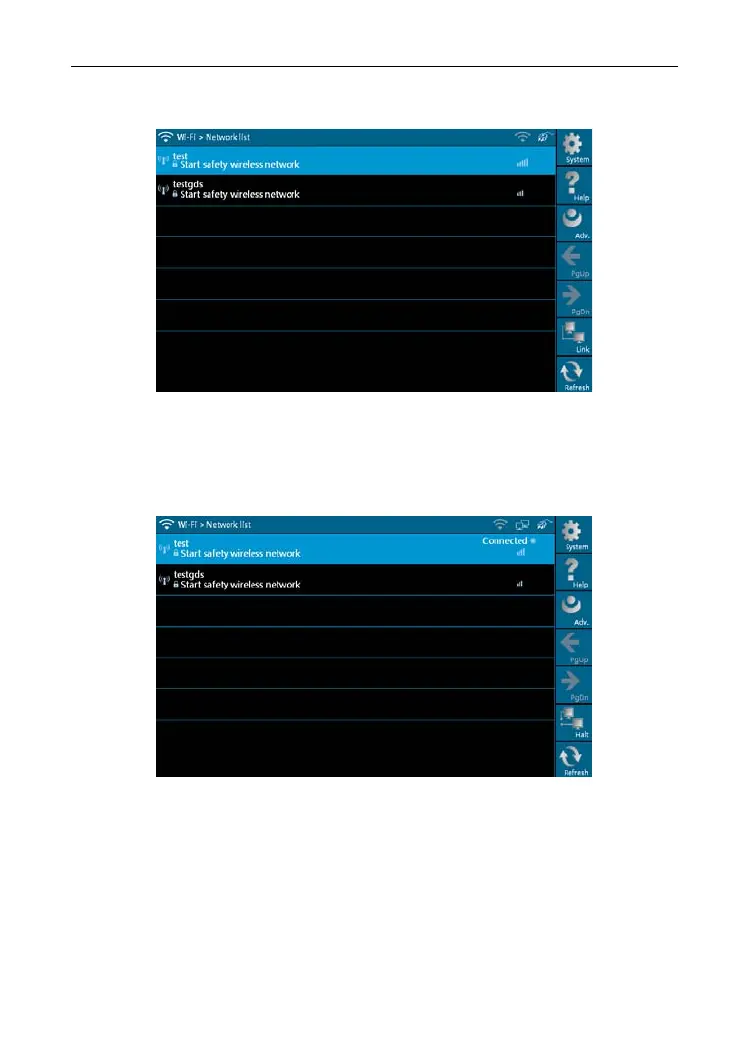
networks will be listed on the screen, as shown in Figure 2-13.
Figure 2-13
Select one of the network list and click [Link] in Figure 2-13, “Connected” will
appear on the screen as shown in Figure 2-14, indicating the device is
connected to the network successfully.
Figure 2-14
Note: When selecting Wi-Fi to access Internet, please set Wi-Fi properly and
make sure it is connect
ed successfully, otherwise, the following functions
may be abnormal: Browser, Register, U-Disk Update, Network Test,
Information, Mailbox and Update.
13



 To Next Page