LAUNCH X-431 GDS User’s Manual
3. User Data Import/Export
This option enables you to import the saved trouble and diagnostic information
from or export it to anoth
er X-431 GDS for analysis and comparison.
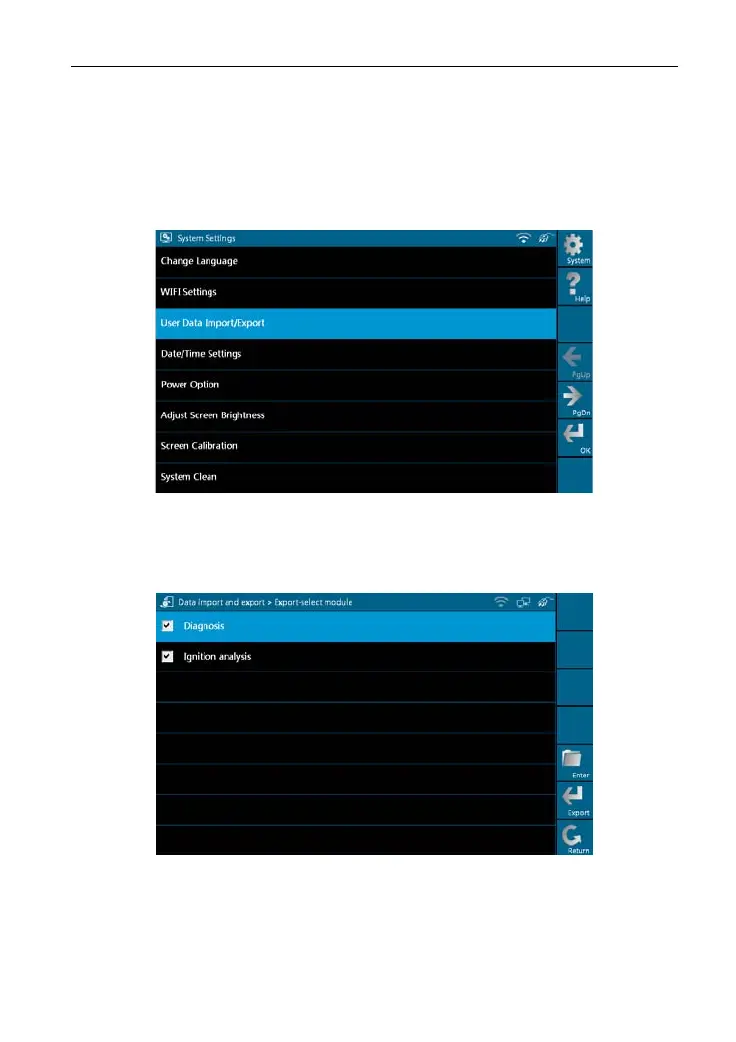
Select [
User Data Import/Export] in
[
Syste
m Settings], a screen shown as
Figure 2-15 will appear.
Figure 2-15
Click [OK] in Figure 2-15, modules will appear on screen for your selection, as
shown in Figure 2-16.
Figure 2-16
In Figure 2-16, select "Diagnosis" and click [Enter], history files similar to
Figure 2-17 will be listed on
the screen.
14



 To Next Page