LAUNCH X-431 GDS User’s Manual
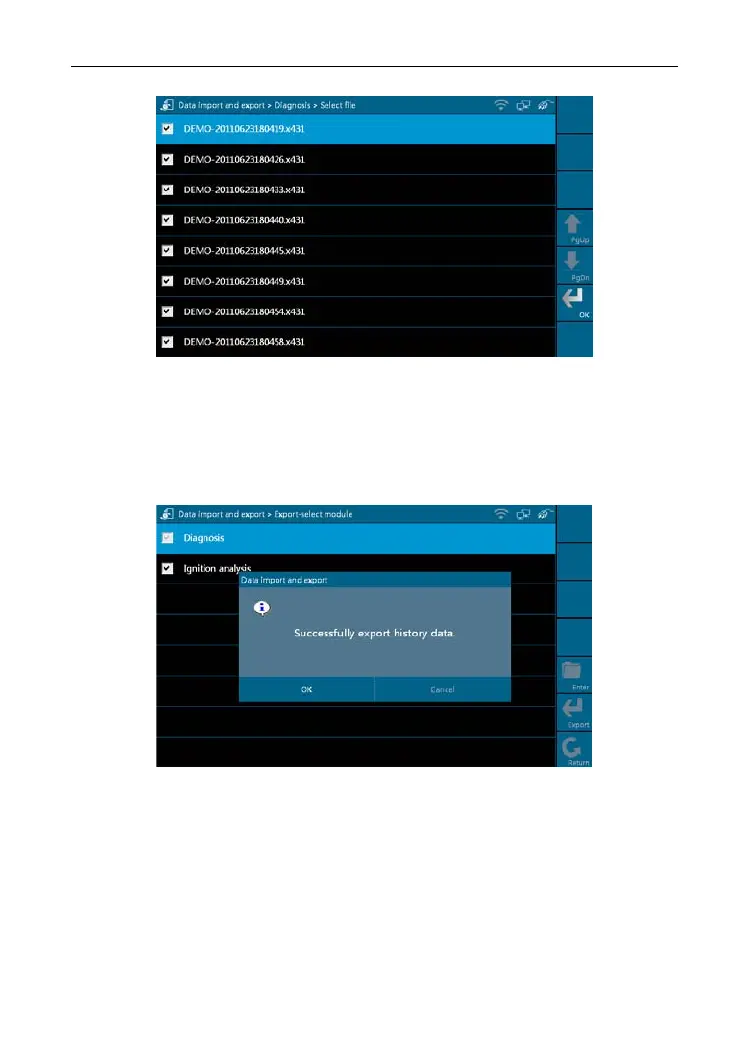
Figure 2-17
Click the checkbox to select the desired files in Figure 2-17 and click [OK] to
export the data.
A dialog box shown as in Figure 2-18 will pop up on the
screen after data is exported successfully. Click
[OK], the [Enter] icon will
become active, and click it to import the history data.
Figure 2-18
Note: If "Export history data fail
ed" appears on screen, please click [Export] to
export the data again.
Method for "Import" is same as "Export". Select the history data and click
[Impo
rt] to import data.
15



 To Next Page