LAUNCH X-431 GDS User’s Manual
4. Date/Time Settings
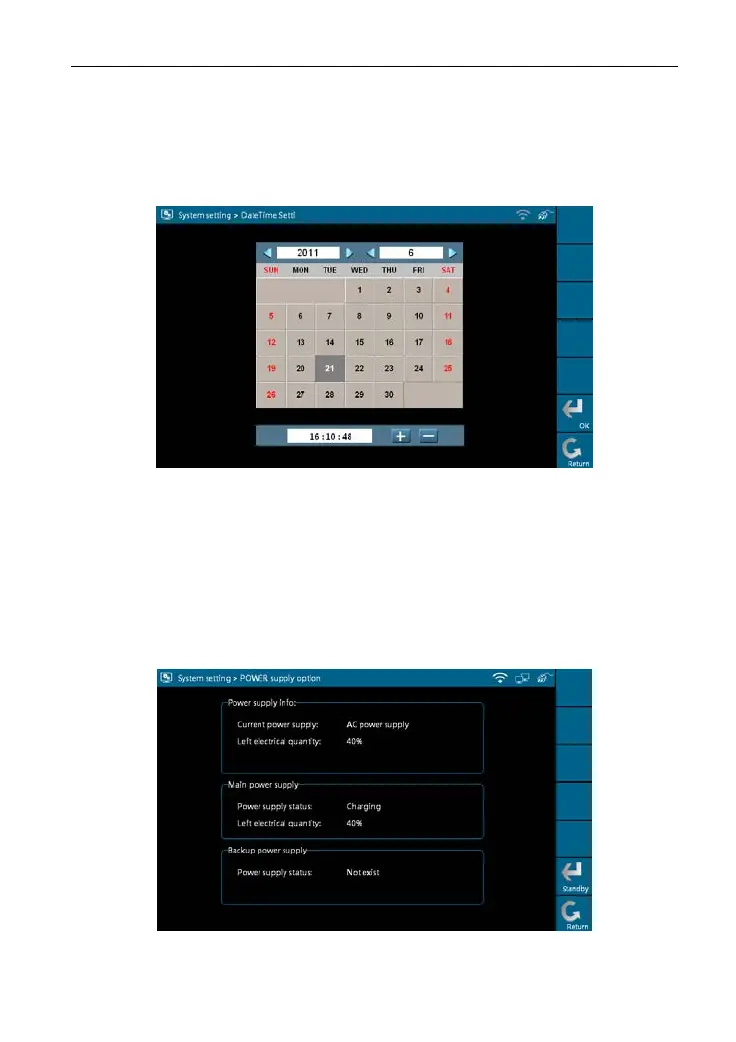
This option is used to set the current date and time.
Select [Data/Time Settings] in the [System Settings] and click [OK], the
system will enter the following screen, as shown in Figure 2-19.
Figure 2-19
Click the on-screen buttons to set the date and time, and click [OK] to confirm.
5. Power Option
Through it, you can have a general knowledge of current power information.
Select [Power Option] in [System Settings] and click [OK], a screen similar
to Figure 2-20 will appear:
Figure 2-20
16



 To Next Page