LAUNCH X-431 GDS User’s Manual
6. Adjust Screen Brightness
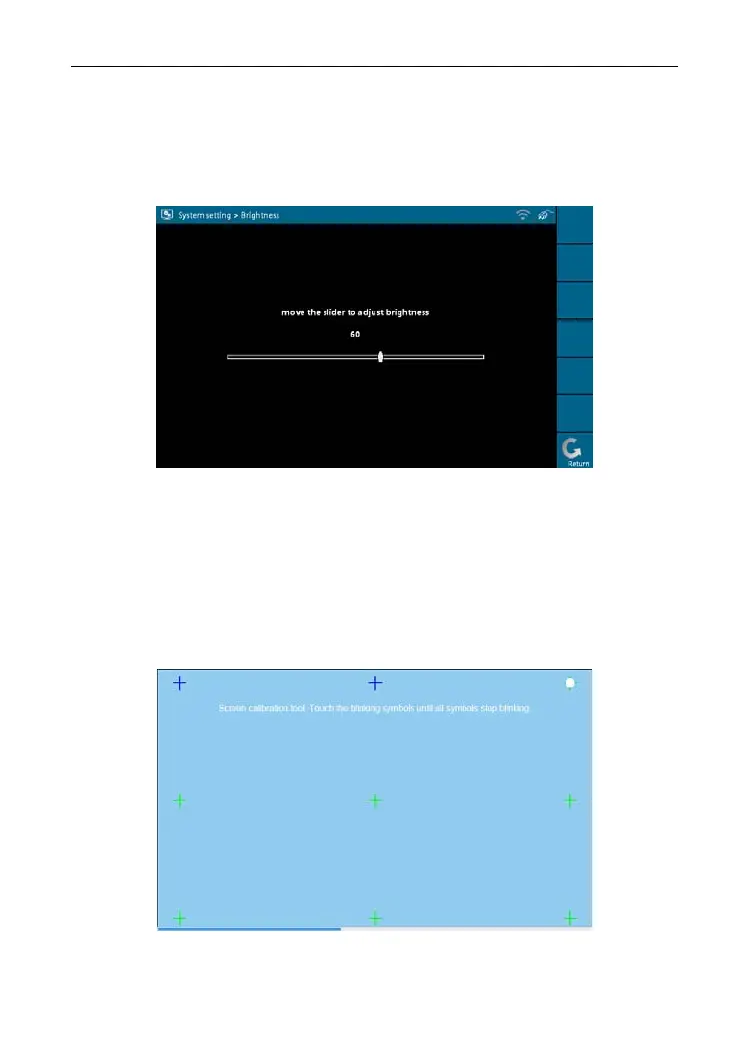
It is used to adjust the brightness of the screen to your preference.
Select [Adjust Screen Brightness] in [System Settings] and click [OK], a
screen shown as Figure 2-21 will appear.
Figure 2-21
Drag the slider with the stylus to adjust (0 -100), and click [Return] to exit.
7. Screen Calibration
This option lets you calibrate the touch screen.
Select [Screen Calibration] in [System Settings] and click [OK], a screen
simila
r to Figure 2-22 will ap
pear.
Figure 2-22
17



 To Next Page