LAUNCH X-431 GDS User’s Manual
In Figure 2-22, properly click the cross symbol on the screen, the cross symbol
changes to blue with a hint sound, then one calibration has been finished. After
calibrating all crosses, the system will automatically return to [System Settings]
interface.
8. System Clean
This option enables you to release disk space, delete unnecessary models,
version
s, recordings, an
d also clear snap file and video text which was
recorded by oscilloscope and ignition mode, etc.
It includes "Clear history data", "Clear diagnosis software - Car", "Clear
diagnosis software - Car(Die
sel Engine)" and "Clear diagnosis software -
HeavyDuty (Tr
uck/Bus/Engineering Vehicle)".
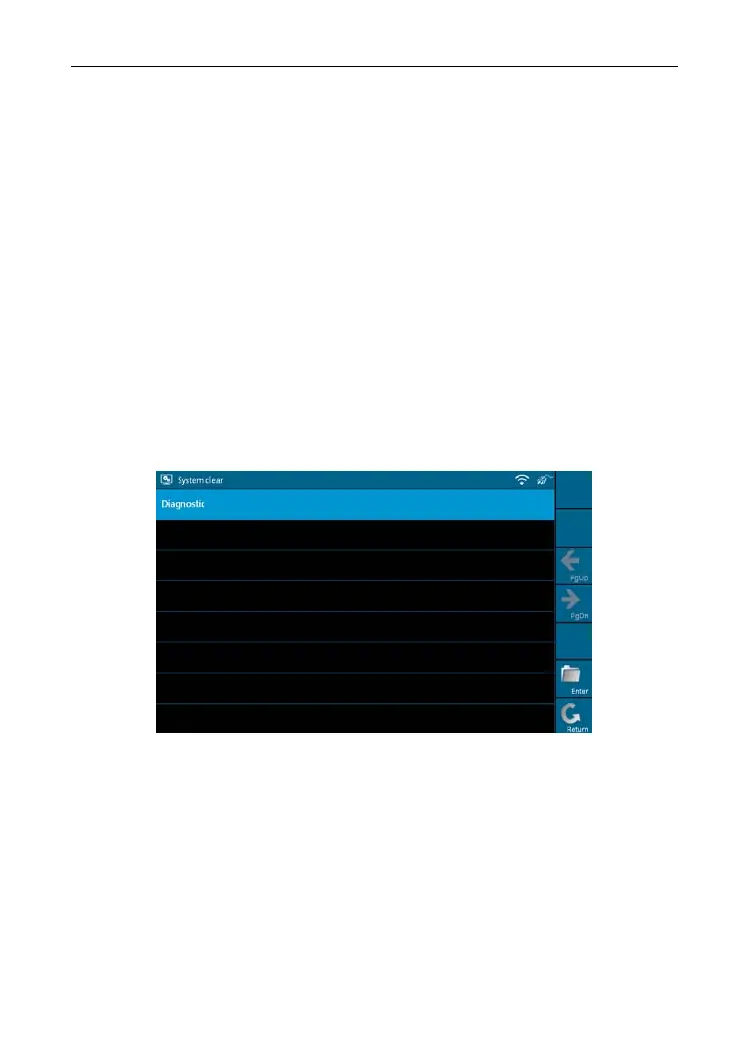
Select [System Clean] in [System Settings] and click [OK], the interface will
be sho
wn as Figure 2-23.
Figure 2-23
Click [Diagnostic] to enter Figure 2-24.
18



 To Next Page