LAUNCH X-431 GDS User’s Manual
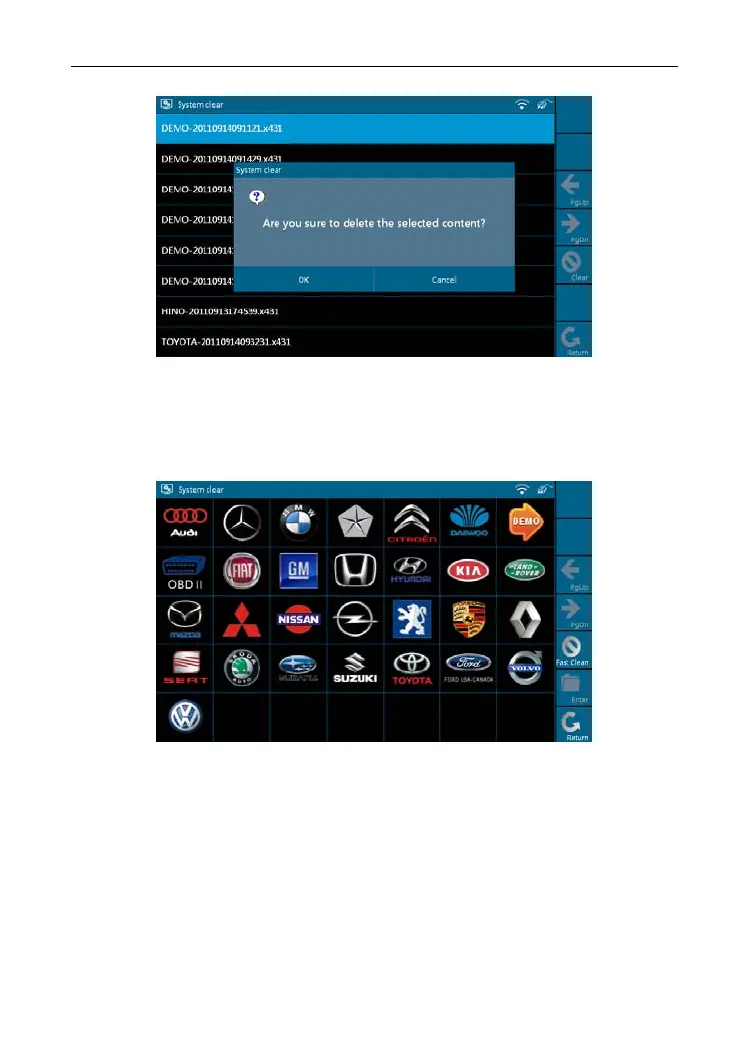
Figure 2-26
2. On figure 2-24, select [Clear diagnosis software-Car] and click [Enter].
Select one car model that you want to clear, as shown in Figure 2-27 and click
[Fast Clean].
Figure 2-27
Note: For "Clear diagnosis software-Car (Diesel Engine)" and "Clear diagnosis
software-HeavyDuty (
Truck/Bus/Engineering Vehicle)", the operations are
same as [Clear diagnosis software-Car]
9. System Information
This option is used to display the system information.
Select [System Information] in [System Settings] and click [OK], then click
20



 To Next Page