LAUNCH X-431 GDS User’s Manual
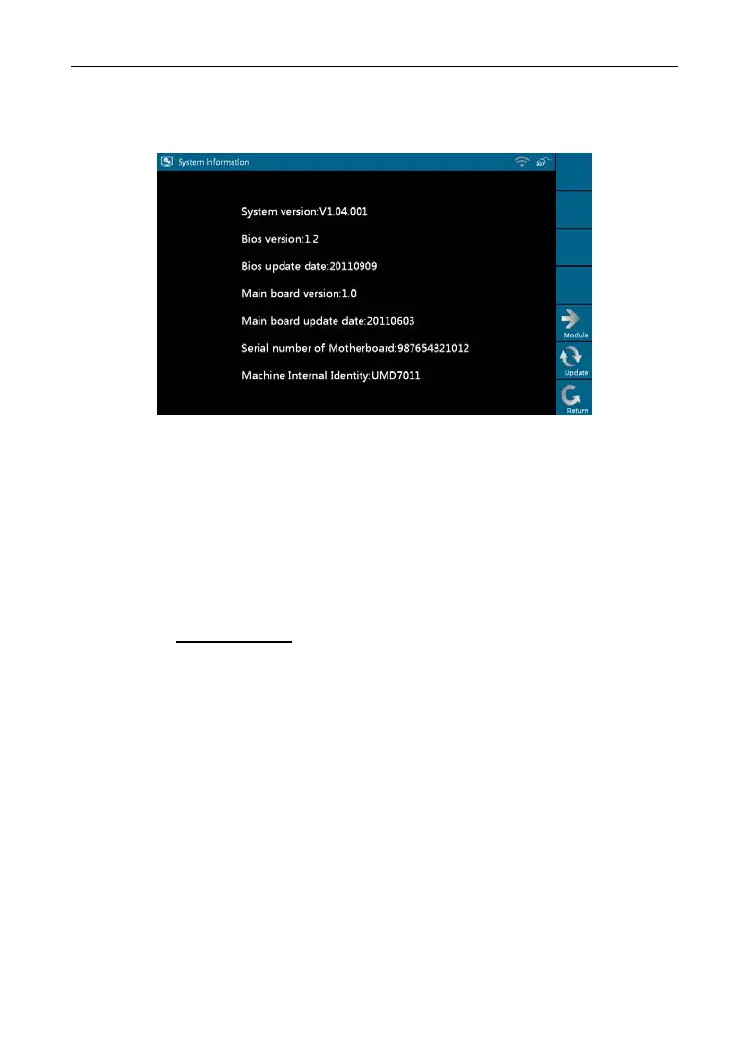
[Update] according to the hints, the latest system information will appear on
the screen, as shown in Figure 2-28.
Figure 2-28
10. U-Disk Update
You can download the necessary software from X431 website in the U disk,
and then
connect it to X-431
GDS to update.
Steps to download software with U disk:
1. Connec
t the U disk to a USB port of PC.
2. Access www.x4
31.com
.
3. Log in the website. (Please register your X-431 GDS before operating it
to obtain the Us
er Name and Password)
4. Enter the Download Center.
5. Download the n
ecessary software and save it in the U disk.
Note: Before a
ccessing X-431 website, please check the network configuration
or Wi-Fi co
nnec
tion.
Select [U-
Disk Update] in [System Settings] and click [OK], a screen shown
as Figu
re 2-29 will ap
pear.
21



 To Next Page