LAUNCH X-431 GDS User’s Manual
Figure 2-29
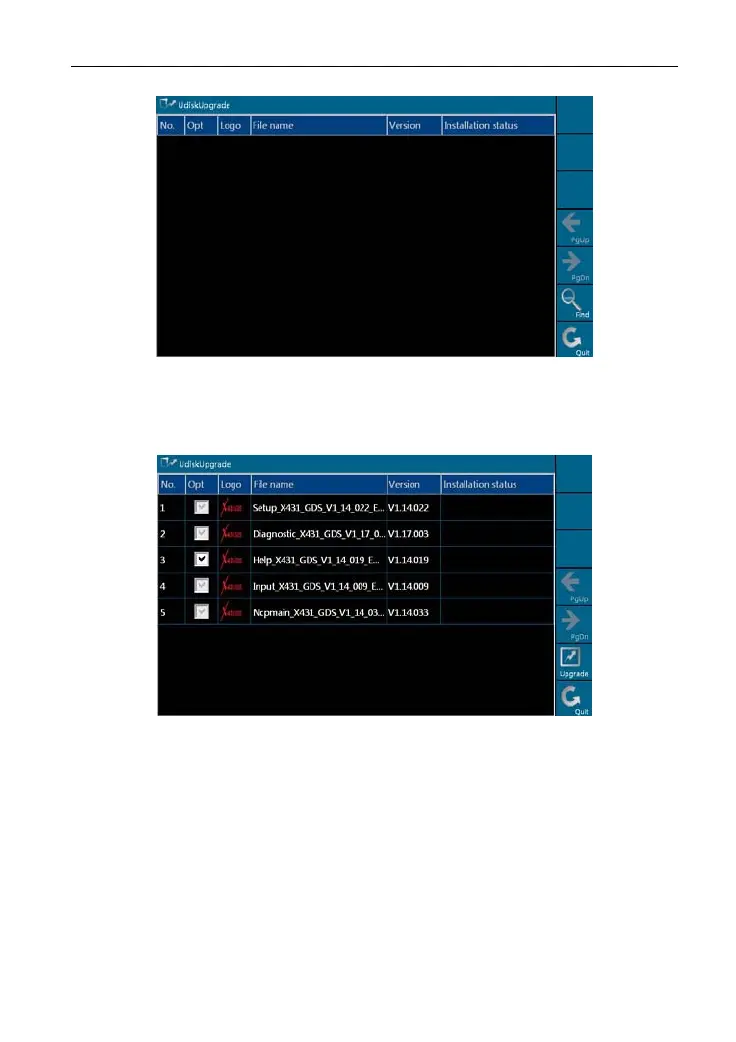
Click [Find], the system starts searching the software in the U disk, as shown
in Figure 2-30.
Figure 2-30
Mark a "Check" in the box before the software you want to update in Figure
2-30 a
nd click [
Upgrade], the system begins to update. After updating,
"Installation successful" appears in column "Installation status", as shown in
Figure 2-31.
22



 To Next Page