LAUNCH X-431 GDS User’s Manual
12. Network Configuration
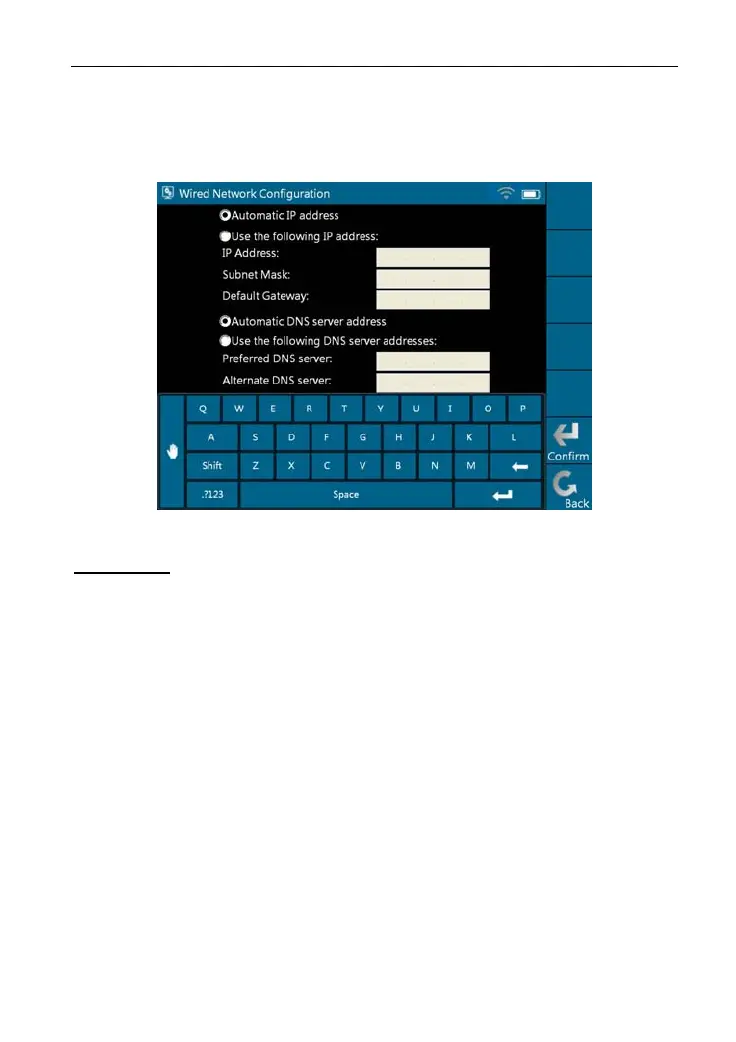
This option is used to configure wired network options.
Wired Network Configuration interface is shown in Figure 2-33.
Figure 2-33
Operations:
Automatically or manually obtain IP includes:
A. You can select "Automatic DNS server address" or "Use the following DNS
server addre
ss" to obtain IP
address.
B. You need to set DNS to manually input IP address.
Suggestion: I
f there is
no network limited, please keep the setting as default,
that means, Automatic IP address and Automatic DNS server address should
be checked. Thus, if you use DHCP to set IP address, no other settings are
needed.
Note: If you use wired network but not Wi-Fi to access Internet, please
configure network properly,
otherwise, the following functions may be
abnormal: Browser, Register, U-Disk Update, Network Test, Information,
Mailbox and Update.
24



 To Next Page