LAUNCH X-431 GDS User’s Manual
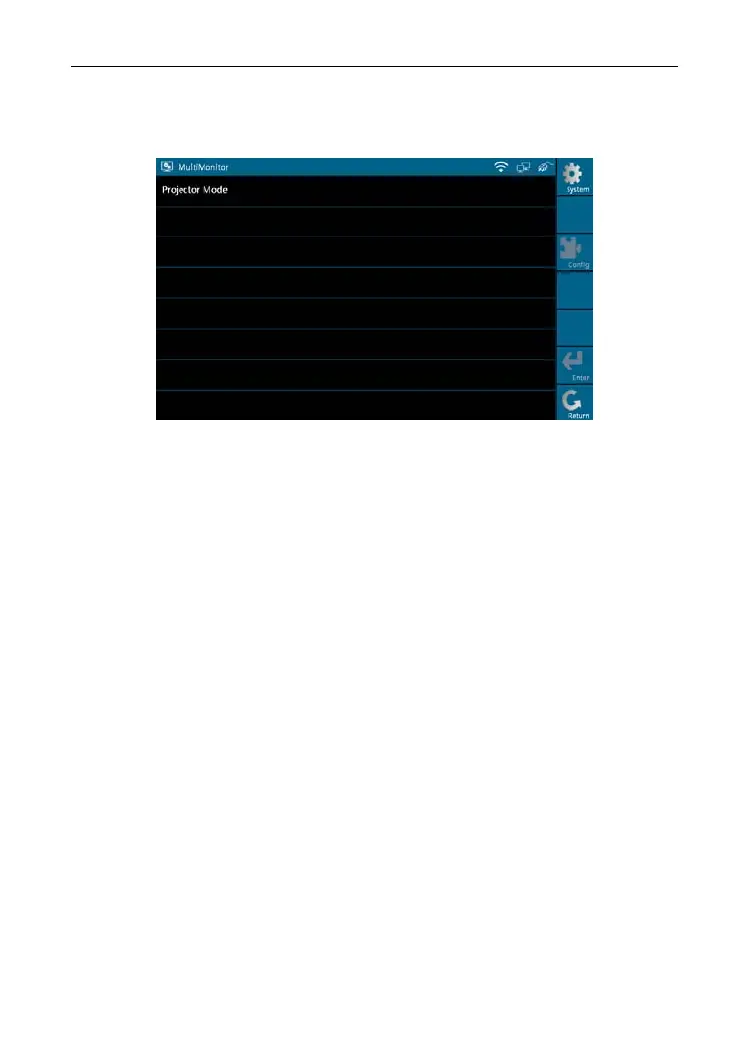
13. Multimonitor
Select [Multimonitor] in [System Settings] a
nd click [OK] to enter.
Figure 2-34
Note: Please confirm that VGA cable is connected to VGA connector of X-431
GDS,
select [P
rojector Mode] and click [Enter], projecting effect will
appear in a while. You can click [Config] to modify the project resolution.
14. Rotate Screen
Select [Rotate Screen] in [System Set
tings] and click [OK] to enter the
interface, as shown in Figure 2-35. You can choose either "Rotate the screen
to the original position" or "Rotate the screen by 180 degree" to view the
display screen easily.
25



 To Next Page