LAUNCH X-431 GDS User’s Manual
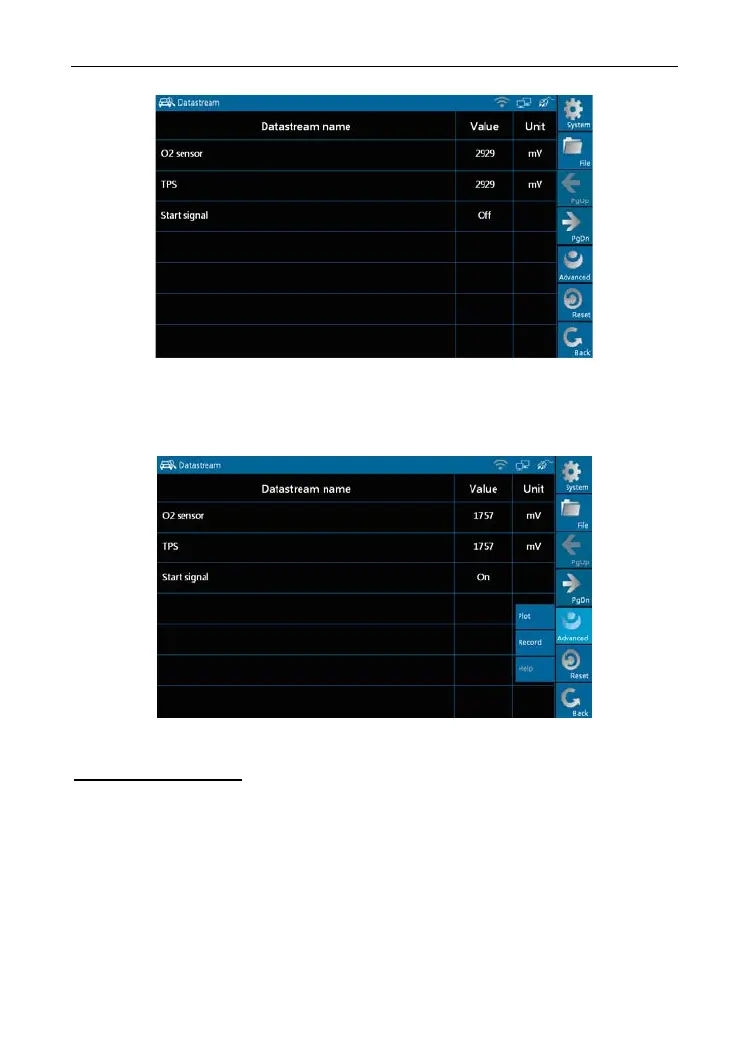
Figure 3-11
To view the dynamic waveform of the selected data stream, click [Advanced]
-> [Plot] in
Figure 3-11, as shown in Figure 3-12.
Figure 3-12
Buttons description:
[Plot]: To display single data stream waveform.
[Record]: To record the d
yna
mic data stream during a certain time. (After
clicking, [Record] becomes [Stop])
[Help]: To view the
help infor
m
ation
of current operation.
Click [Pl
ot] in Figure 3-1
2, the waveform of "O2 sensor" will be displayed on
the screen, as shown in Figure 3-13.
37



 To Next Page