LAUNCH X-431 GDS User’s Manual
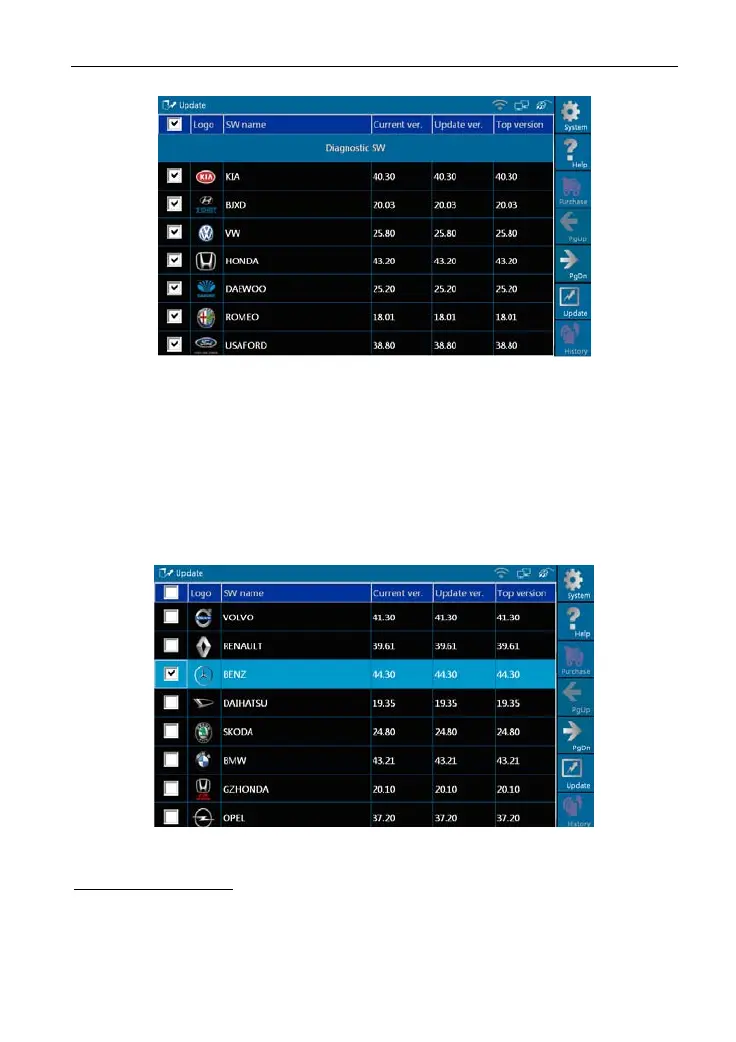
Figure 8-4
In Figure 8-4,
Current Ver.: current version No.
Update Ver.: the lowest version that can be installed currently.
Top version: the current top version.
Click [His
tory] to select one or several desired software, as shown in Figure
8-5.
Figure 8-5
Button description:
[System]: To display the desktop, view the current version or exit the program.
[Help]: T
o view the help information of current page operation.
[Update]: T
o execute software update operation.
57



 To Next Page