LAUNCH X-431 GDS User’s Manual
[History]: To select version that can be downloaded or corresponding vehicle.
In Figure 8-5, you can select several pieces of software and update them
together for correspondi
ng vehicles, then click [Update].
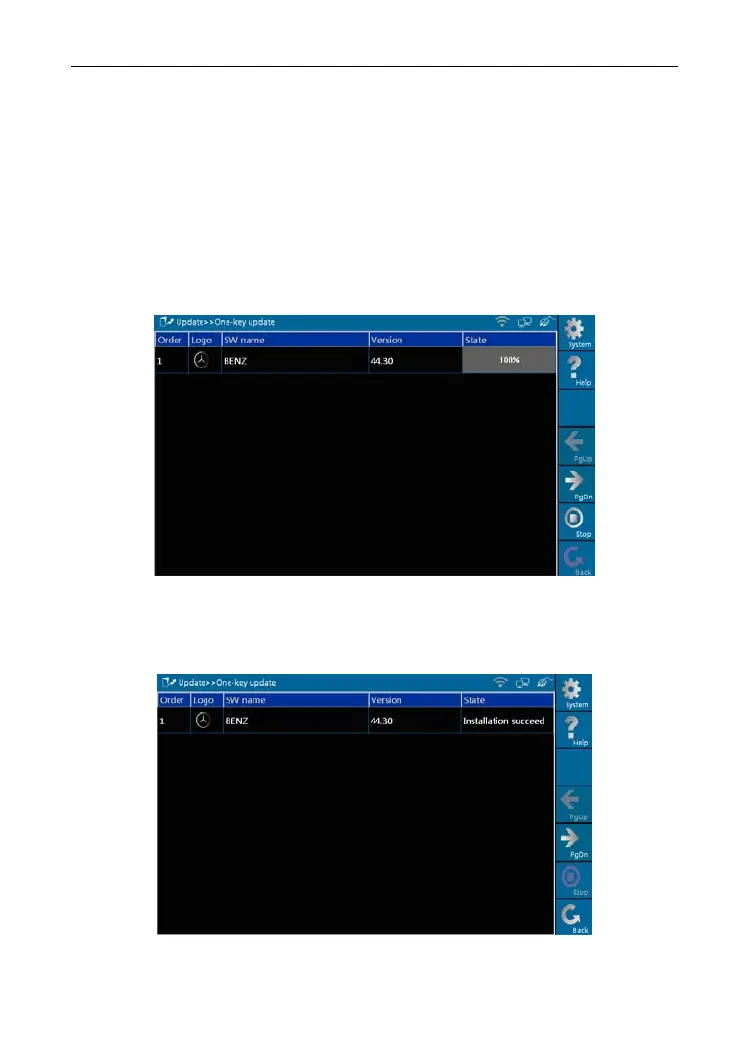
Here, we take "BENZ" as an example to explain one-key update.
Select "BENZ" and click [Update] in Figure 8-5, the software will be
downlo
aded and installed auto
matically, as shown in Figure 8-6 and Figure
8-7.
Figure 8-6
Figure 8-6 shows the downloading progress. When "100%" appears, it
indicates that the software ha
s been downloaded completely.
Figure 8-7
58



 To Next Page