LAUNCH X-431 GDS User’s Manual
Figure 8-7 shows the installation state. If "Installation succeed" appears, it
indicates that installation has completed.
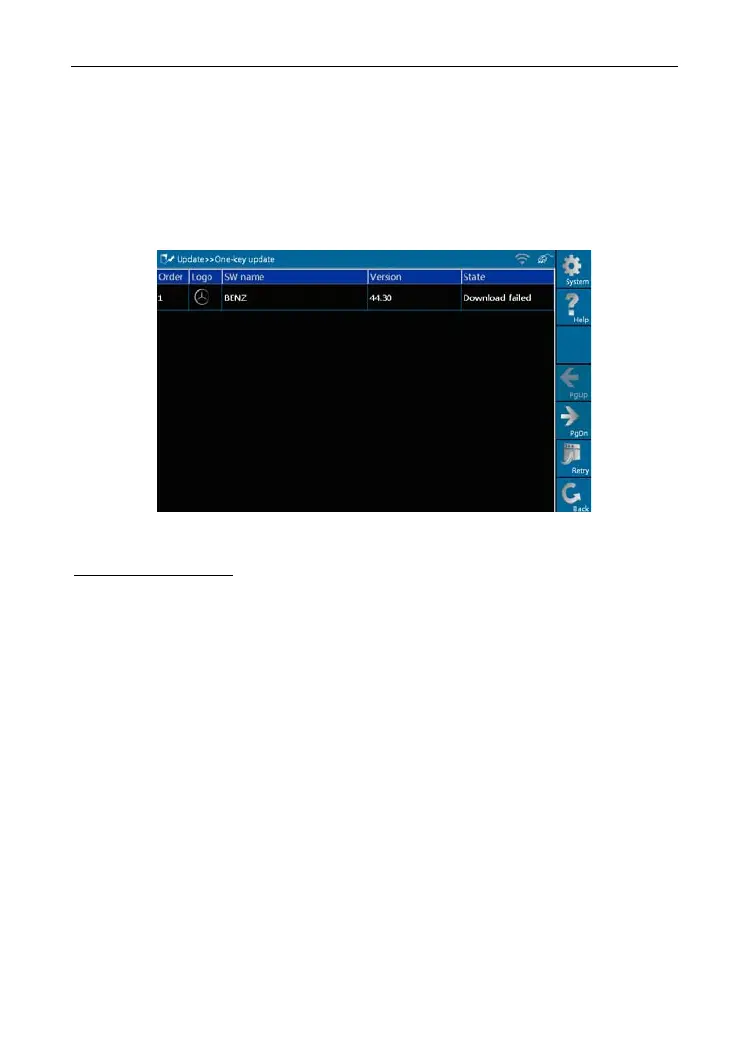
If the network configuration is not correct, software download will fail and
[Retr
y] turns a
ctive. In this case, please check the network and download it
again, as shown in Figure 8-8.
Figure 8-8
Button description:
[System]: To display the desktop, view current version or exit the program.
[Help]: T
o view the help information of current page operation.
[Stop]: To
stop downloading or installing.
[Retry]: To exe
cute the same operation again.
[Return]: To return to the previ
ous interface.
59



 To Next Page