6
LAUNCH
2. Product Descriptions
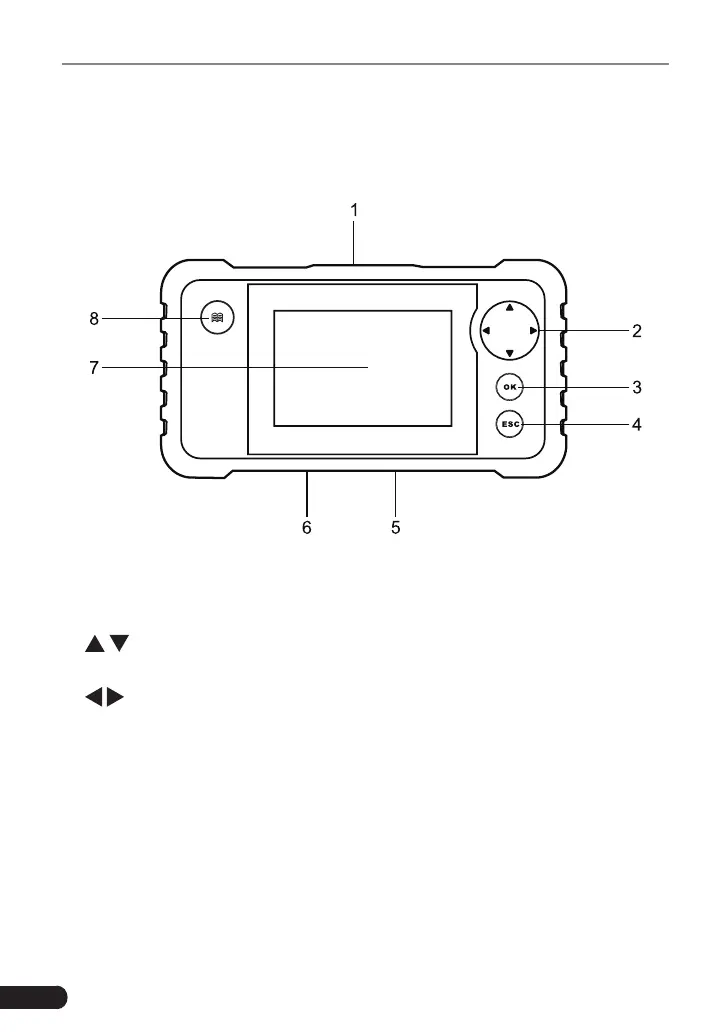
2.1 Components & Controls
1.
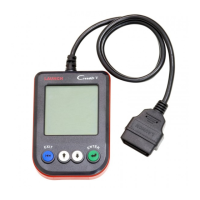
DB-15 diagnostic connector
Connect the tool to vehicle's DLC (Data Link Connector) port.
2.
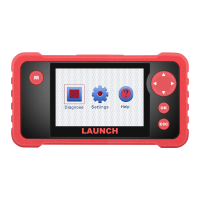
Selection buttons
/
Move cursor up and down for selection.
/
Move cursor left or right for selection; Or turn page up and down when more
than one page is displayed.
3.
OK button
Conrm a selection (or action) from a menu list.
4.
ESC button
Exit the current program or return to the previous screen.
5.
USB port
Connect on PC to upload data or print test results.
6.
Memory Card Slot


 To Next Page