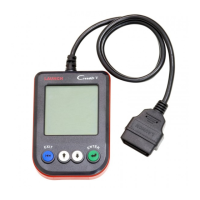
10
LAUNCH
4. Diagnostics
4.1 Connection
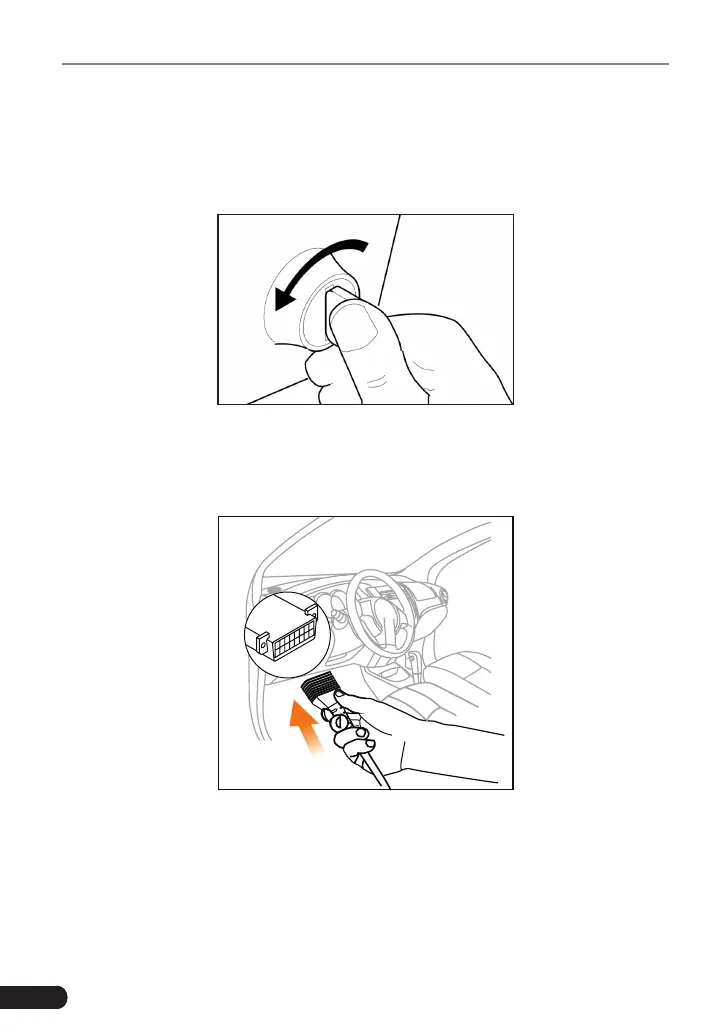
1. Turn the ignition o.
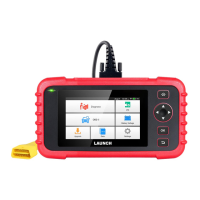
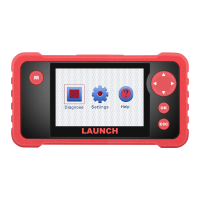
2. Locate the vehicle’s 16-pin Data Link Connector (DLC). Refer to Chapter 1.5.
3. Plug one end of the diagnostic cable into the vehicle’s DLC(Data Link
Connector) port, and the other end to the DB-15 diagnostic connector of the
tool, and then tighten the captive screws.
Notes:
• A plastic DLC cover may be found for some vehicles and you need to remove it
before plugging the diagnostic cable.
• The cable connector is keyed and will only fit one way. If you have problems
connecting the cable connector to the DLC, rotate the connector 180
o
and try
again.


 To Next Page