15
LAUNCH
5. Help
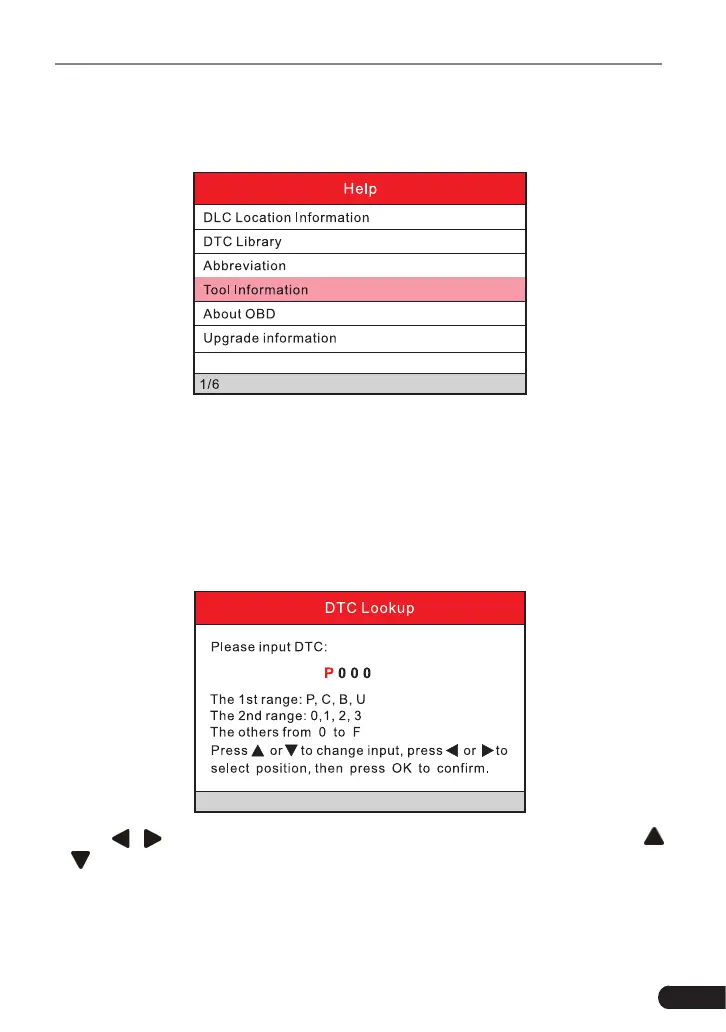
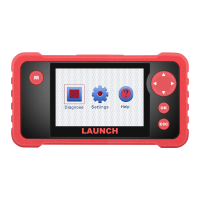
This menu enables you to view device information and OBD introduction.
5.1 DLC Location Information
This option helps you to nd the location of the vehicle’s DLC.
5.2 DTC Library
This function helps you to get the details of the DTC, which will greatly help
simplify the diagnostic process.
Press [ ]/[ ] button to move the highlight bar to dierent position. Press [
]/[ ] button to alter the value, then press [OK] button, the screen will display
denition of the DTC.


 To Next Page