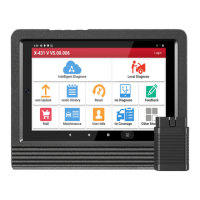
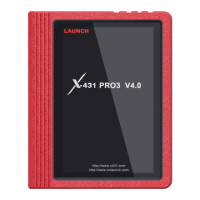
LAUNCH X-431 Euro Mini User Manual
3
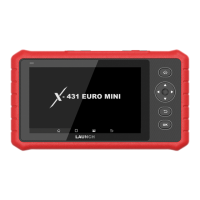
Press it to turn off the LCD if the LCD lights up.
Press it for 3 seconds to turn it off.
2
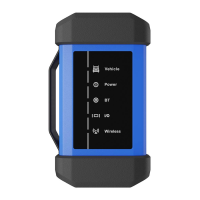
DB-15 diagnostic
connector
3
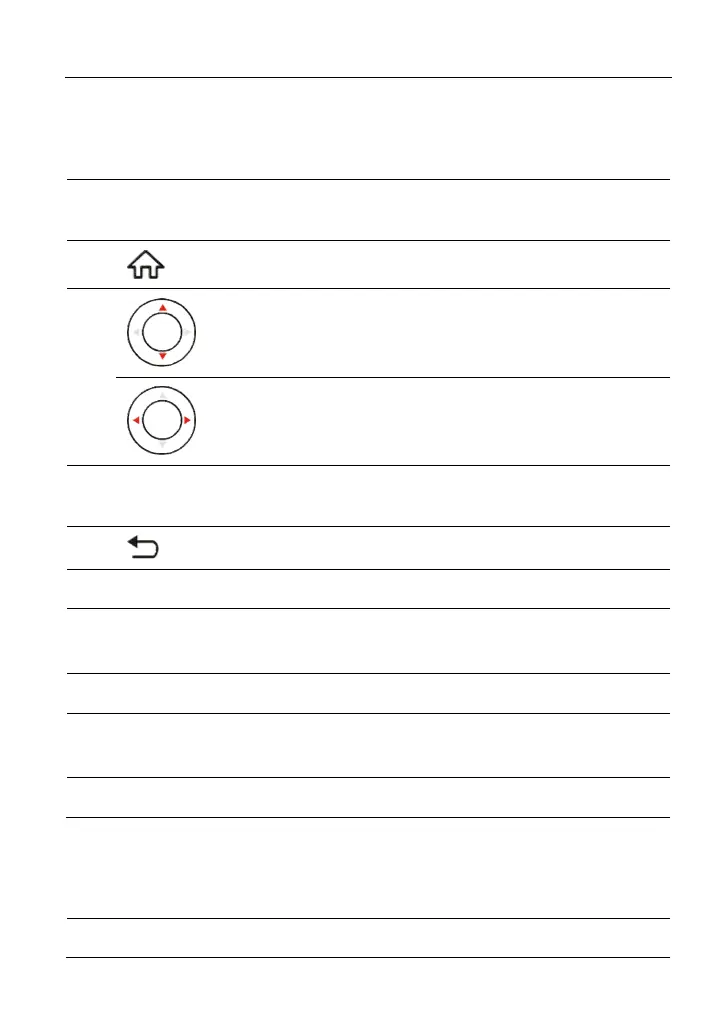
Press to navigate to the Job Menu.
4
Move cursor up or down for selection.
Move cursor left or right for selection; or turn
page up and down when more than one page is
displayed.
5 OK
Confirms a selection (or action) from a menu
list.
6
Return to the previous screen.
7 Speakers
8 Foldable Stand
Flip out it to any angle and work comfortable at
your desk, or hang it on the steering wheel.
9 LCD Screen Indicates the test result.
10 Charging LED
RED means Charging, and GREEN means
Fully Charged.
11 DC-IN Port To connect to AC outlet for charging.
2.2 Technical Specifications
Operating system Android
Memory 1GB
www.diagtools.eu, Pernavas 43A, Riga, Latvia, LV-1009, +37129416069, info@diagtools.eu




 To Next Page