User Guide
Model – iris X1 Atom 10
items on the s creen. You can open an option by
touching and holdin g an item on the screen. Not all
itemshaveoptionsmenus.
Whenyo u to uchandholdsomeitemsonascreen,
anOpt ionsmenuopen s.
3.8. Menu Icons
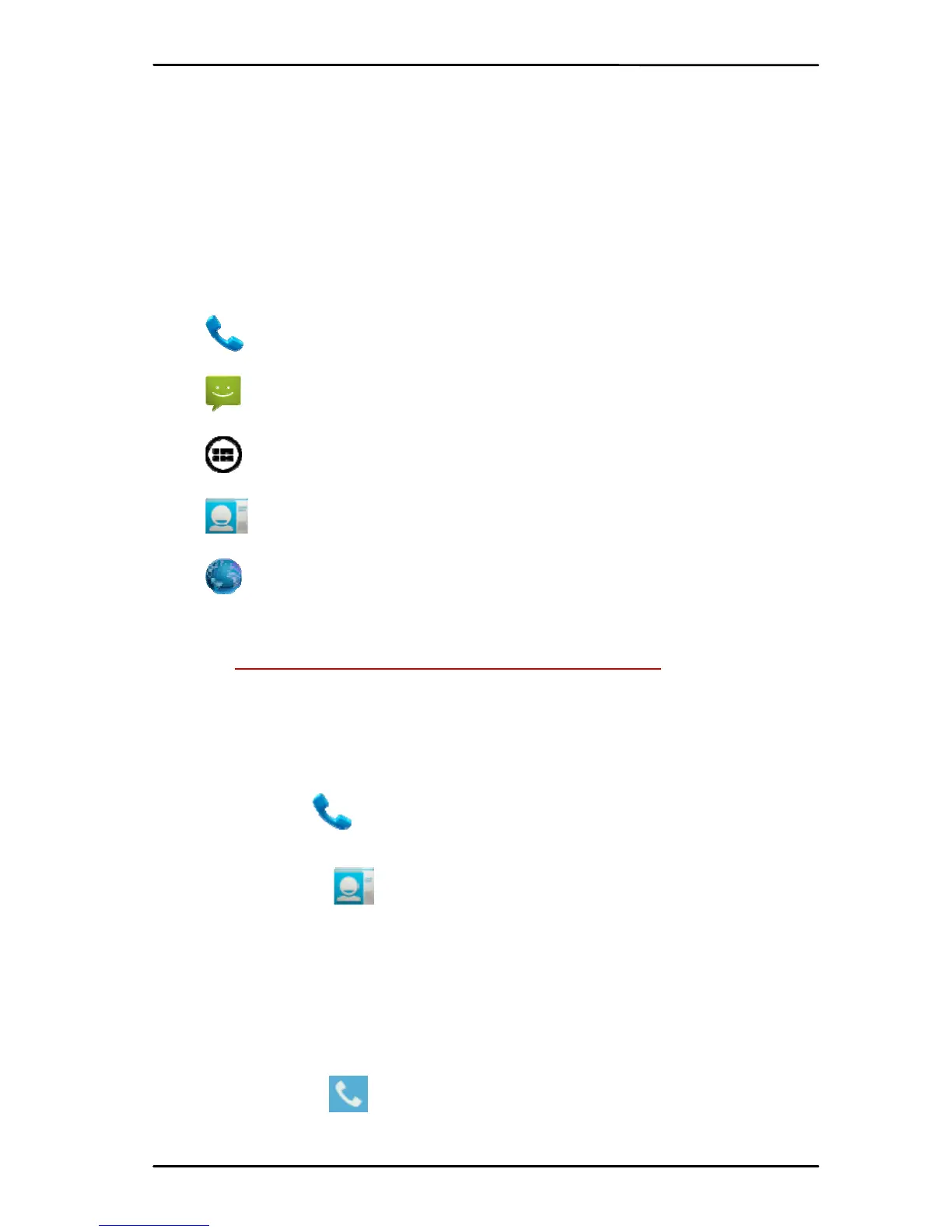
You have the follo wing menu icons to easily let
yo uacces sitsimportantfea t u r es :
Opens thedialer
Opens messaging
Opens themainmenu
Opens theco nt a c t slist
Opens thebrowse r
4- PLACING AND RECEIVING CALLS
Youca n dialaphonenumberortou chanumber
in yo ur con tac ts . You canal soplace from the call log or
co ntac ts.
4.1. Make a Call
Tap the icon on ma in menu or the home
screentodialthedesirednumber.
Touch the icon on main menu or the home
screen to make a cal l from co n ta c t , groups or
favo r i t es .
To dia l an international number, to uch and hold
the 0 key to enter the Plus (+) symbol , and then
enterthe internationalcou n t ry prefix,followed by
thephonenumber
Touchthe icontoca l l wit hSIM1orSIM2.
PresstheVolumeUp/Downkeysto ad ju st thecall



 To Next Page