User Guide
Model – iris X1 Atom 25
Cop y the certif icate from yo u r computer to the
ro o toftheSDcard.
TouchSettings>Se curity.
Touch Install from SD ca rd under Crede ntial
Storage.
Touch the file name of the ce rtificate to install.
Only the names of cert ificates that yo u have
not already in stalled on yo u r phone
are
displayed.
If prompted, enter the cert ificate’s pa sswo rd
andto uch OK.
Enteranamefo r thecertificateandto uch OK.
11- DOWNLOAD APPLICATIONS
The phone has a default conf iguration whi ch
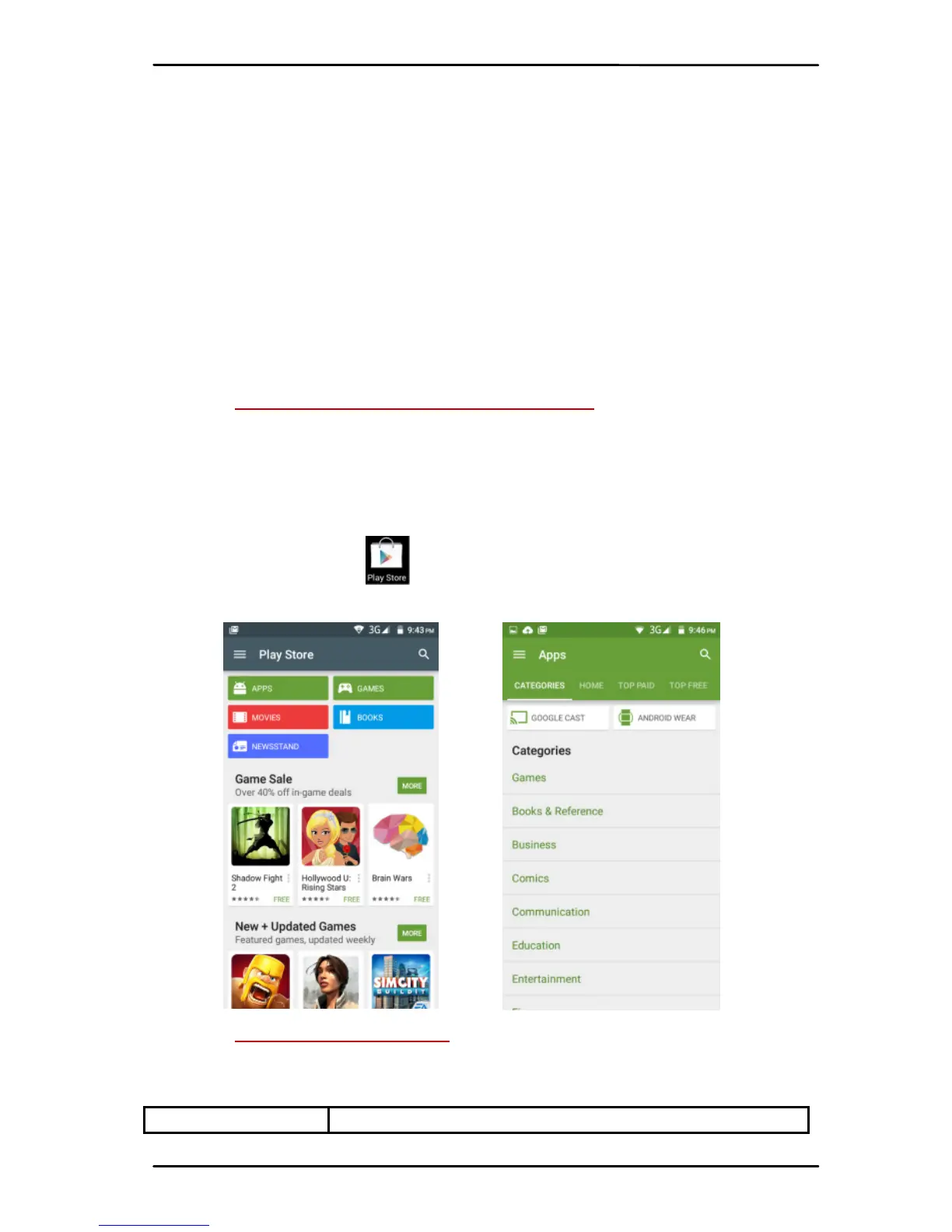
includes some applications. Discover all ot he rs apps by
usingplay sto re. You will beab le to connect wit h 3Gor
Wi‐Fi for exa mpl e , and by signin g in the application
with ju st anemail.
Thisiswhat itlookslike:
12- PHONE SETTINGS
You ca n go to Settings to cu stom ize yo u r phone’s
preferencesandbehaviorinava ri et yofwa ys :
Wi‐Fi Let ’s yo u conf i g ure and manage



 To Next Page