User Guide
Model – iris X1 Atom 20
Enter or select a mobile phone number.
Touch the composion text box and write your
message.
Touch the key to open the context menu.
Touch Aach to aach various types of files.
Send the MMS.
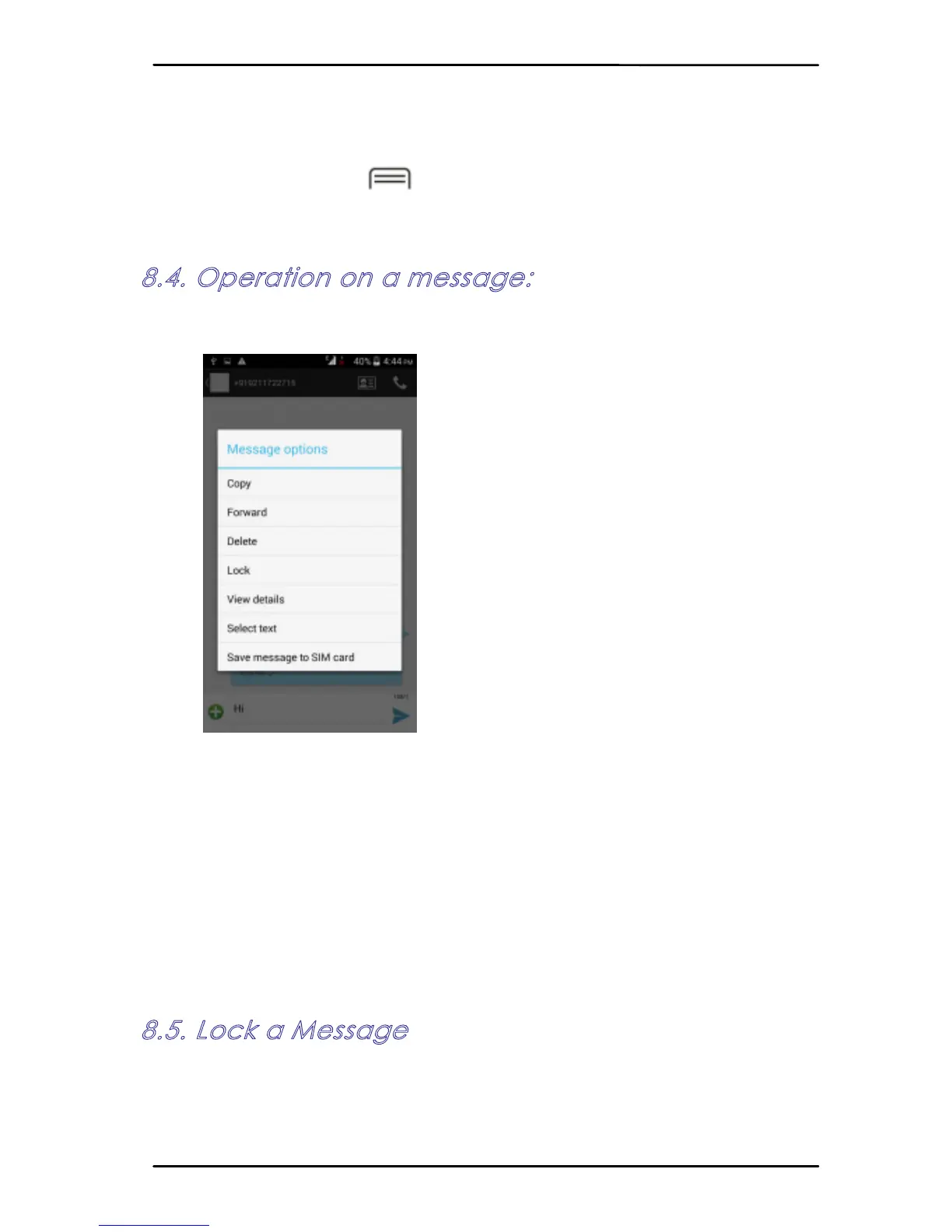
8.4. Operation on a message:
Open the message thread containing the message
your want to operate.
Touch and hold this message unl a context
menu opens.
Make your choice.
To forward a message:
Touch Forward in this menu.
Add a contact.
Touch Send to send the message.
You can also Copy message text, Save message to SIM
card, View message details and delete message.
8.5. Lock a Message
You can lock a message so it won’t be deleted if
you reach your storage limits.
Touch and hold message in a message window.



 To Next Page