User Guide
Model – iris X1 Atom 16
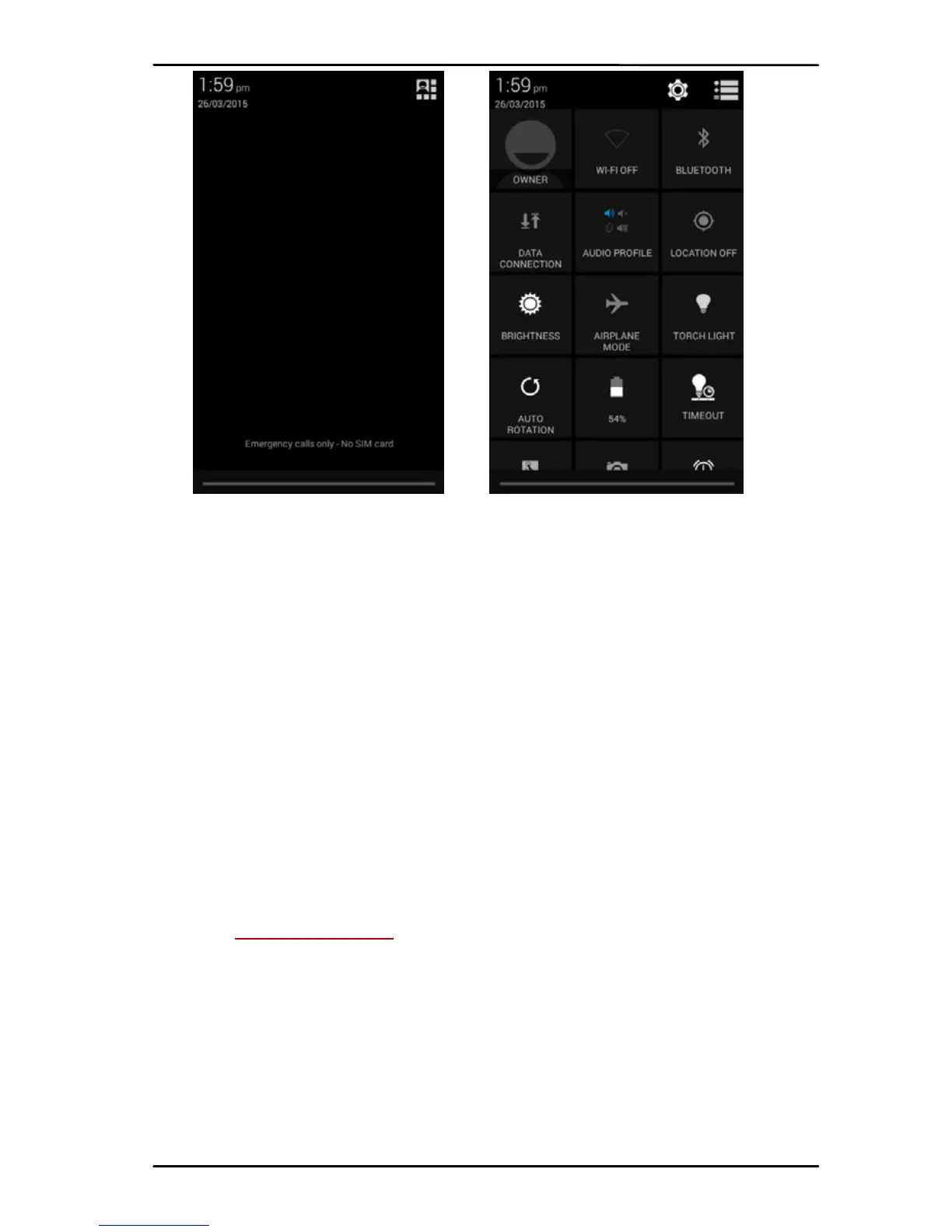
The Notifications panel di splays yo u r network
providernameandalistof yo u r currentnotifications.
7.2. Respond to Notifications
Open the notifi cation pan el and tou ch a
notification to resp o nd to it. What happens next
dependsonthenotification.
7.3. Close Notifications Panel
Drag the ta b at the b ottom of the Notifications
pan el to the to p of the screen. Or just press the back
button. The pan e l also cl os es whe n you tou ch a
notificationtoresp on d toit.
8- MESSAGING
8.1. Message environment & Settings
You ca n use Messagin g to exchang e text messages
andmultimediamessa geswit hyo urfriend s.



 To Next Page