User Guide
Model – iris X1 Atom 21
TouchLockmessageinthemenuthatopens.
Unlock a message by touching and holding it and then
tou chUnlockmessage.
9- MULTIMEDIA
9.1. Camera
Your ca m e ra’s pictures and videos are sto red in
boththe SD card and device. You can cop y picturesand
video s from both the SD ca rd and device to a PC and
vice ve rs a.
9.2. Gallery
You ca n use the Galle ry to view pictures and play
video sandsh arefiles.
TouchtheGalle ryiconinthemainmenu.
Touchan albumtoopenandviewitsco nt en t s .
Touch a picture or a video in an album to view
it.
9.3. Share an Album
OpenthemainG allerywindow.
Che ck or uncheck the albums you wan t to
share.
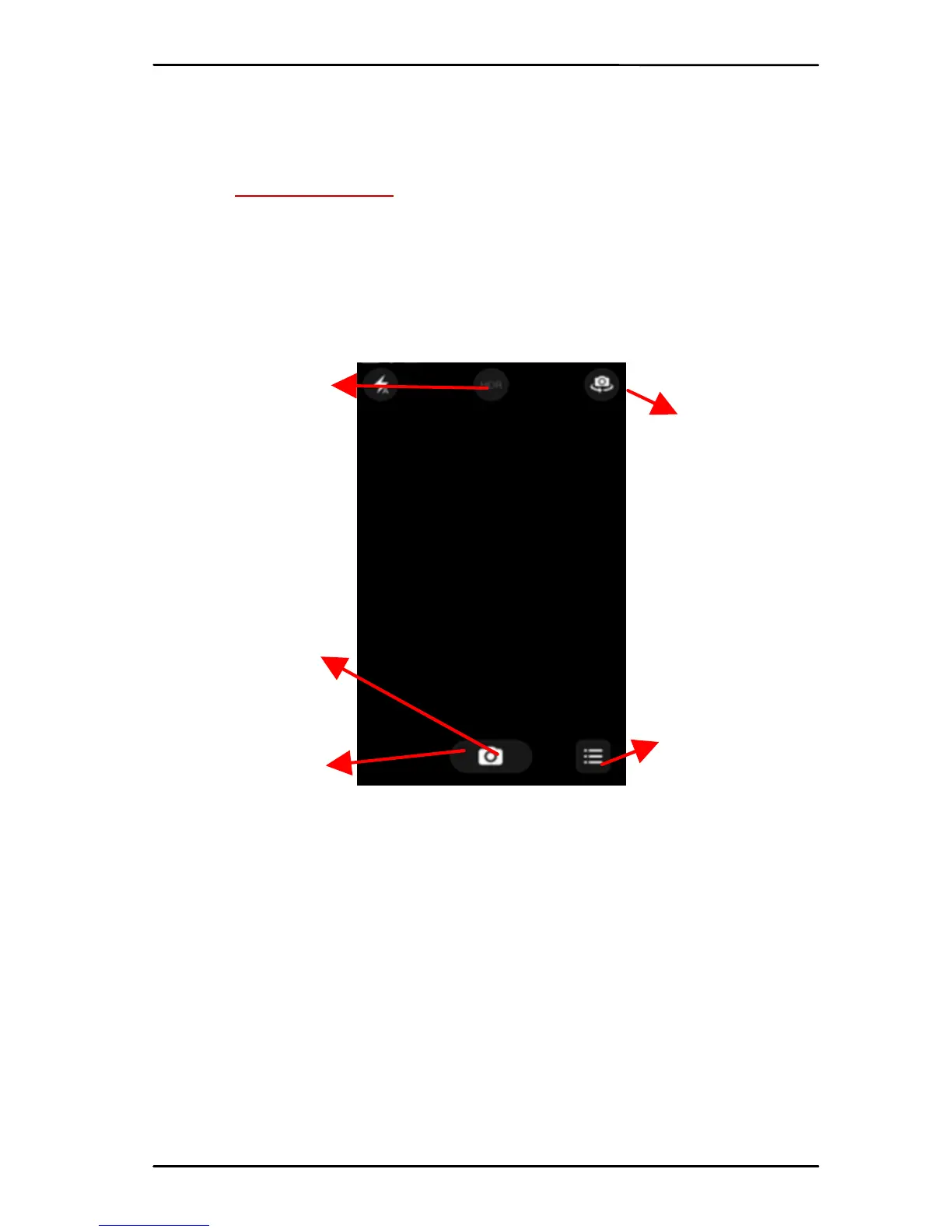
Scrollto change
betweenphoto,
videoorpano ramic
Touch to take
picture, video or
pan orami c
Touchto switc h
onmore
settings
Changebetwee n
frontandback
Changeflashmode



 To Next Page