User Guide
Model – iris X1 Atom 9
Bu tton Press
Menu:openscontext menuwit hfurthe r
optionsandactions ,conte ntdepends
directlyonapplications.
Home:returnstoHom escreen.Holditto
accessthelistof lastusedapplications.
Bac k
:retu rn s tothepreviousscreenyo u
we re wor k i ng in,evenifitwas inad ifferent
application.Canbeusedtohidethe
keyboard.
The phone provides you wi th Context menus and
Op t io ns menu sfo ra ccessingthefeatu r esinanintuitive
way.
3.6. Context Menus
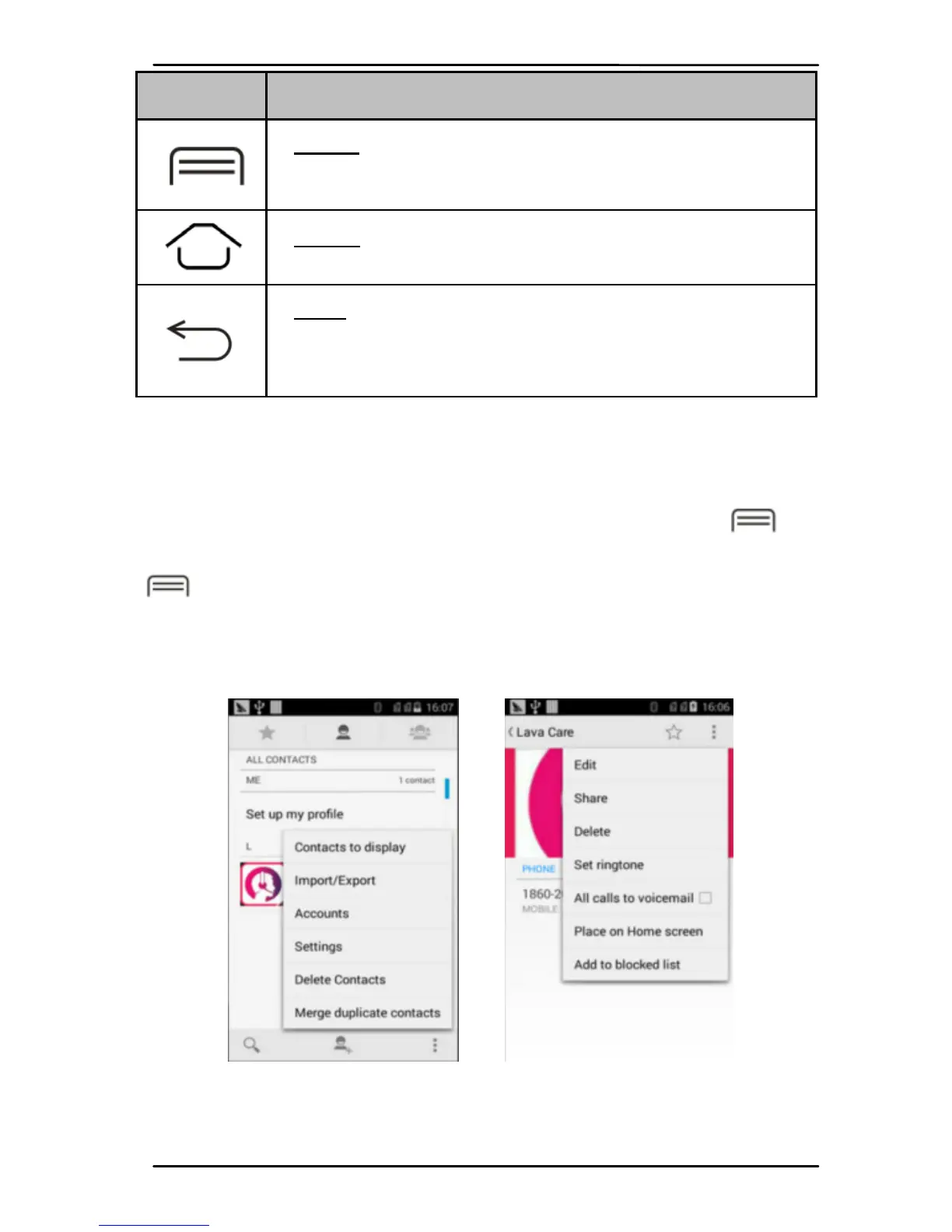
You ca n open co nt ex t menu by touching
ke y. Not all screens have co n tex t menus. If you tou ch
ke y inside application that has no co nt e xt menu ,
nothinghappens.
Examples of con tex t menu from Contact s
environment:
3.7.Opt io ns men us
Options menus cont a i n tools that apply to sp ecific



 To Next Page