User Guide
Model – iris X1 Atom 29
Dono tuse orstore thede viceindusty, di rtyareas. Its
movingpa r ts andelec tronicco mpo ne ntsca nbedamaged.
Do no t attem pt to open the device other than as
instructed in this guide . Repairin g the pho ne by yours el f
other than our authorized ser vice agents/centers go e s
aga instthewarrantyrules.
Do
no t drop, knock, or shake the device. Rough
hand ling ca n break internal circ uit boards an d fine
mechanics.
Do no t use harsh chemicals, cleaning solvents, or
stro ng de terge ntsto cleanthedev ice.Onl y useasoft,clean,
dryclothto cleanthesurfaceof thedev ice.
Do not store your device
near magnetic fields or allo w
your device to co m e in co nta ct wit h magnetic fields for
extended pe riodoftime.
Batte ry Re com me nd ati ons
Please put the b atte ry in awe ll ‐venti lated pl ace outof
direct sunlight. Charge the batte ry at room tem pe ratu re
ra ng e.
If the time span of the batter y afte r charging becomes
much shorter th an us ual, the batte ry life is at an end.
Re pla ce the b attery with a new b atter y of the same
make
andspecif icatio n.
Do not discard the ba ttery with house hold trash.
Please dispose of used batter y ac cord ing to your lo cal
environmentallawsandgu idelines.
Use ma nufact urer ap pro ved batter ies , chargers,
accessories and supplies. We wi ll not be responsi ble for
user’s safety when usi ng u nappro ved batte ries or
accessories.
RecycleYourPhone
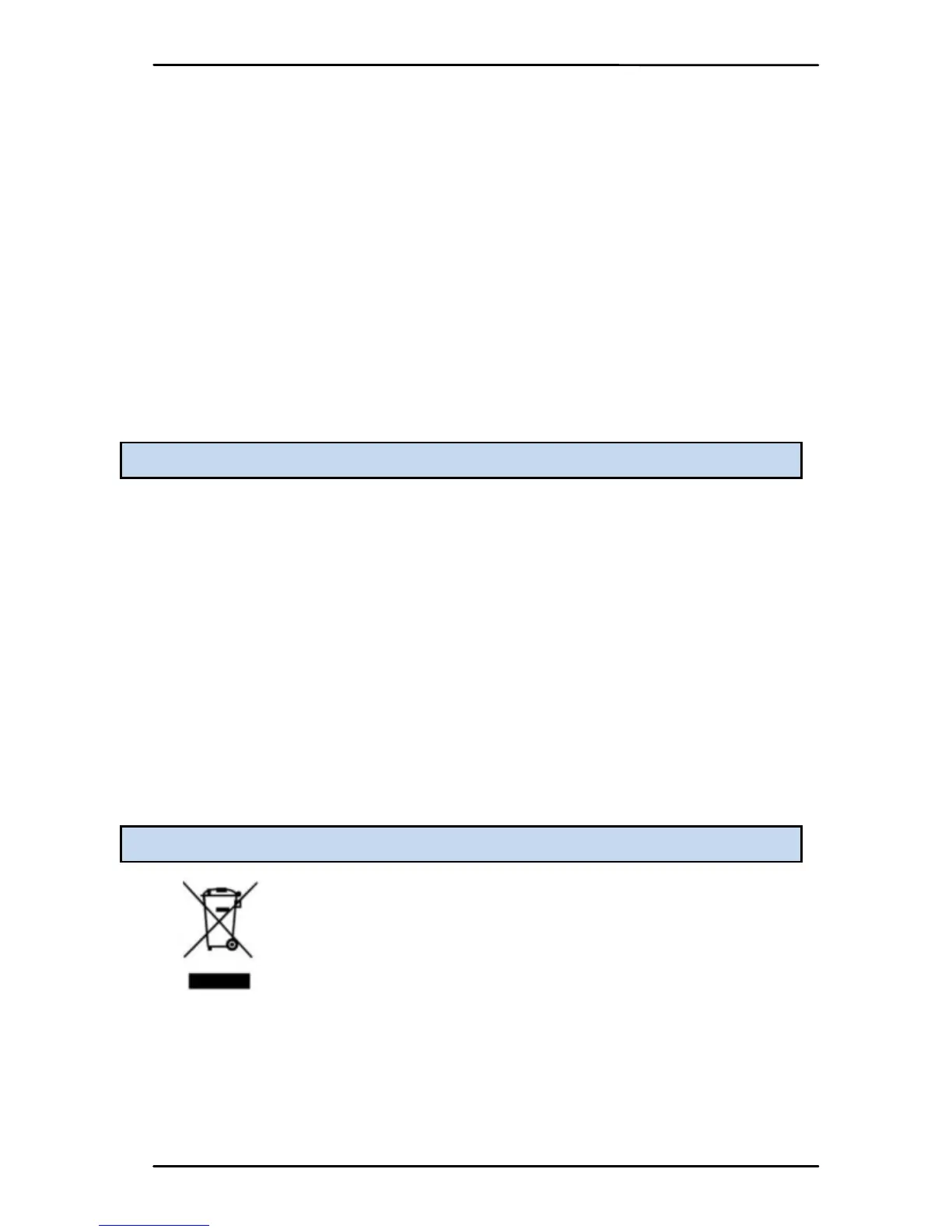
The WEEE logo (shown at the left) appea rs on
the product (batte r y, h andset, and charger) to
indicate that this product must not be
disp osed off or dumped with your other
house hold wastes. You are lia ble to dispo se of
all yo ur electronic or elect rical wast e
equipment by rel o cat in g over to the specif ied
collection
pointfor recycling.ofsu chhazardouswaste.
Collect ion and prope r re co ver y of your electronic
waste equipments at the time of dispo sal will allow us to
hel p preser ve the environment. Recycl ing of the electronic



 To Next Page