The machine will now use the set sequence.
Note
The default setting of the machine is the simultane-
o
us dispensing of milk and coffee (C option).
7.2.5. Loading of default data
To restore the factory settings proceed as follows:
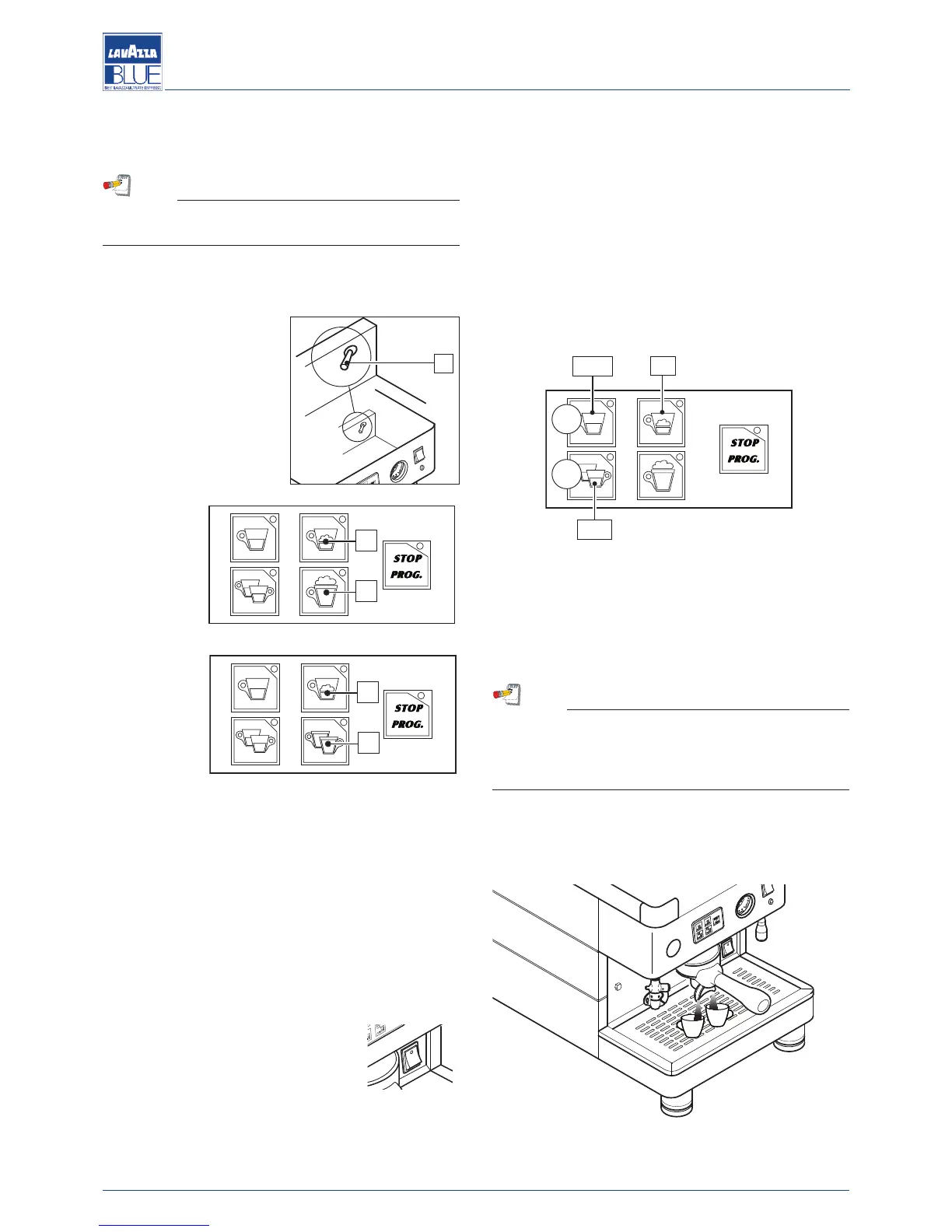
- put the programming lever
(1), situated under the ma-
chine upper grid, to the
ON position;
- turn the machine on, kee-
ping keys (2) and (3) pres-
sed for at least 5 seconds
at the same time;
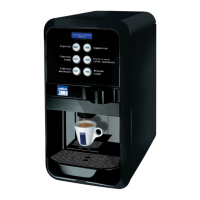
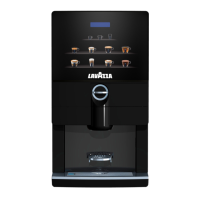
LB 2800
LB 2810
LB 2801
LB 2811
- the LEDs of the two keys light up to confirm the default
data loading;
- Put the programming lever (1), situated under the ma-
chine upper grid, to the OFF position.
7.2.6. Boiler temperature programming
To adjust the temperature of the water in the boiler, pro-
ceed as follows:
- switch the machine off, putting the switch to the “0” po-
sition;
- put the programming lever (1), situa-
ted under the machine upper grid, to
the ON position;
- turn the machine on, keeping the STOP/PROG key
pressed until the LEDs of the keyboard light up;
- the flashing modes of the LEDs indicate the current
temperature set: temperature = the sum of the flashes
of every dose key, multiplied by the indicated value
(
see figure);
- using (+) and (-) keys it is possible to change the tem-
perature value: each keystroke corresponds to the in-
c
rease or decrease of one temperature unit (1° C);
- when the desired temperature value is reached, con-
firm it by pressing the STOP/PROG key : the LEDs
flash again to indicate the new value has been set;
- the pilot light of the heating element lights up automa-
tically to indicate that the machine is now operating re-
gularly;
- When the programming is completed, turn the pro-
gramming lever (1) to the OFF position.
Note
In order to obtain a temperature lower than the mi-
nimum value set, the reducer of Ø 4 mm, supplied
with the machine, must be installed in the brewing
unit pipe (see the hydraulic diagram).
7.2.7. Dispensing coffee
Place the cup under the dispensing spout.




 To Next Page