15
Operation with an LDG radio interface:
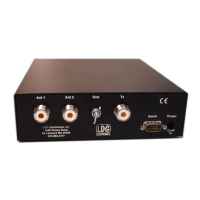
Operation with an optional LDG radio interface is even simpler. With the interface installed on an
Alinco, Icom or Kenwood radio as noted, simply press the Tuner or AT button on the radio; for
Yaesu radios, press the Tune button on the tuner to begin an automatic tuning cycle. The radio
will automatically transmit a 10 watt carrier, and begin a AT-200Pro tuning cycle. Memory
settings will be used if available, otherwise a full tuning cycle will run. When the tuning cycle
ends, the radio will revert to its previous mode and power level.
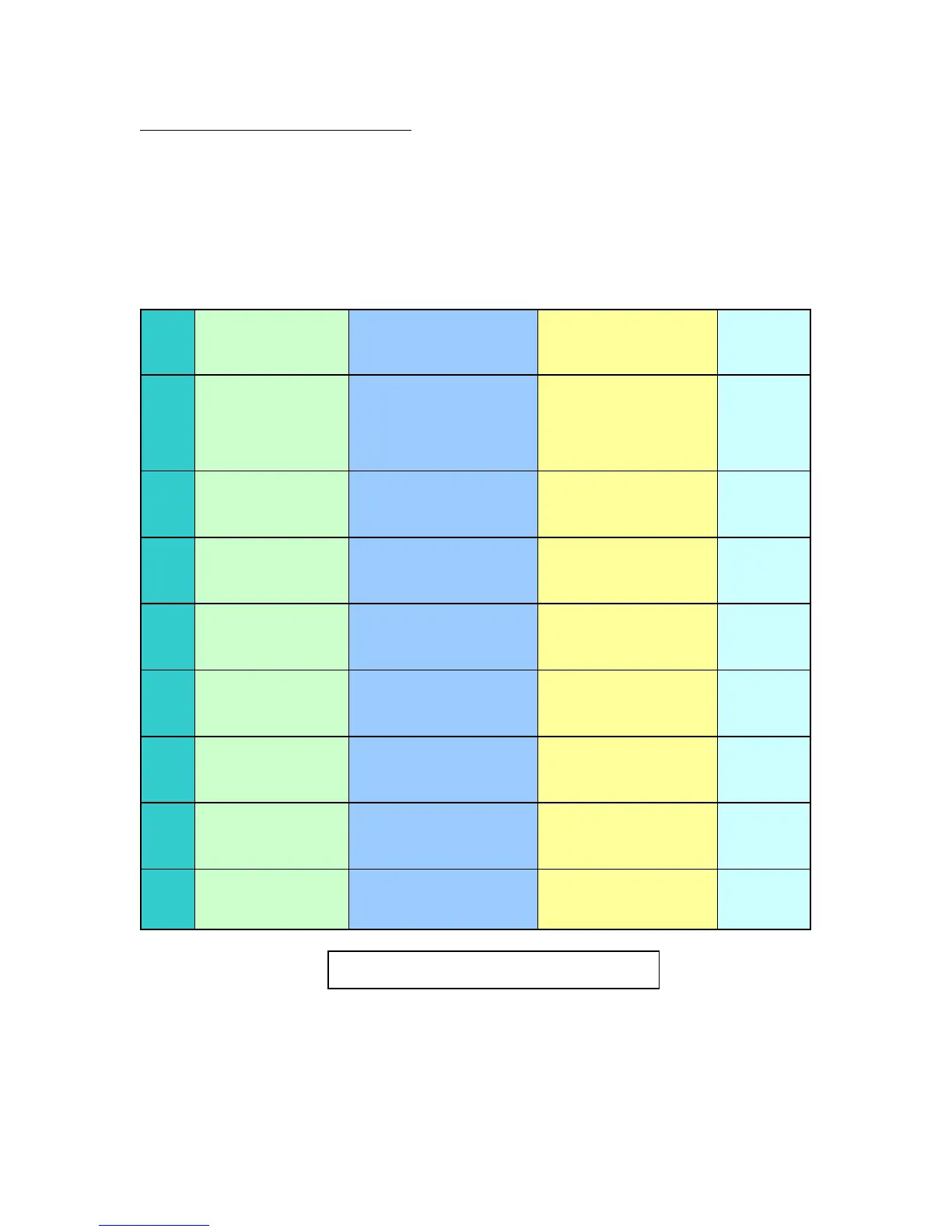
Button
Primary Function
Secondary Function
(Func + Button)
Status Check (Func
Hold + Button)
Power-Up
Function
Tune
Manual Tune (Long)
Auto Tune (Medium)
Bypass (Short)
Manually Store Tuning
Parameters
Present Relay Settings NA
Ant
Switch between Ant 1
and Ant 2 connectors
on back panel
Toggle Hi-Lo Impedance
Present Antenna
[Ant 1]
NA
C Up
Manually increase
capacitance
Toggle Power meter
Peak/Average
Present PWR Meter Mode
[Avg]
NA
C Dn
Manually decrease
capacitance
Set Auto/Manual Mode
Present Mode (Auto or
Semi)
[Auto]
NA
L Up
Manually increase
inductance
Set PWR Meter Scale
Present PWR Meter Scale
[125 Watts]
NA
L Dn
Manually decrease
inductance
Set Auto Tuning
Threshold SWR
Present Auto Tune
Threshold
[2.0]
NA
Func
Select Alternative
Functions For Other
Buttons
NA NA
Version
Number
Func+
Ant+
Tune
NA NA NA
All
Reset
AT-200Pro Command Reference



 To Next Page