9
Menu Options
Your AT-200Pro offers several options to adapt the tuner to your operations. Many functions are
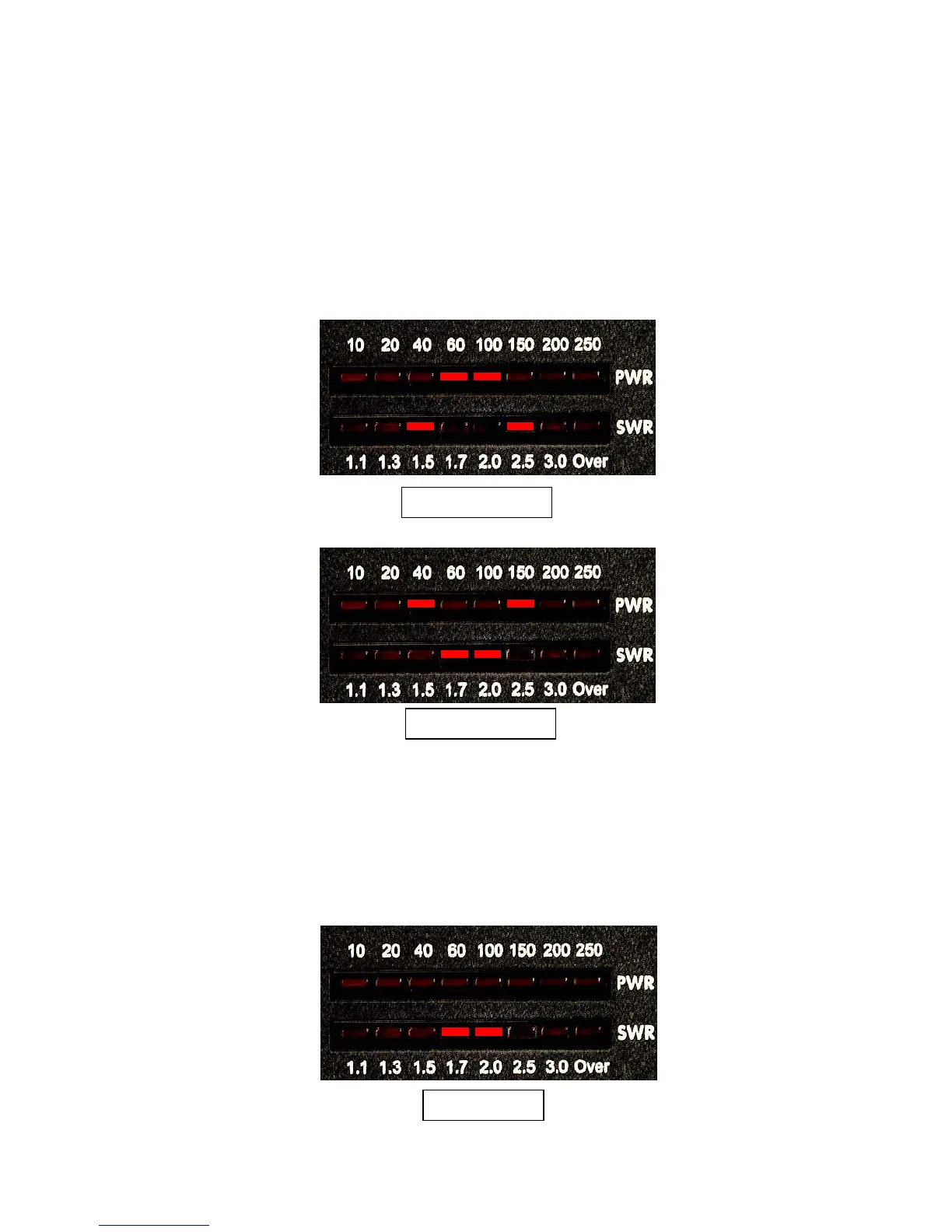
controlled using the Func button. Press and release this button to place the tuner in Function
mode. You will see an "up arrow" display on the LED meters, indicating Function mode.
Function mode will time out after a few seconds, and a "down arrow" display will appear;
subsequent key presses must occur while function mode is still active. You can also cancel the
function mode by momentarily pressing the Func button a second time.
The status check functions require you to press and hold the Func button. The following display
is shown during function hold:
Function Mode On
Function Mode Off
Function Hold



 To Next Page