PAGE 15
Force a Full Tune Cycle:
Sometimes, if you are transmitting on a previously tuned frequency, but something has
slightly changed in your antenna system (maybe the antenna was re-oriented, for example),
performing a memory recall tune will find a stored match that is acceptable, but is not as optimal
as could be. In this case, forcing a full tune will cause the AT-897Plus to seek a better match
than the match already stored in memory for this frequency.
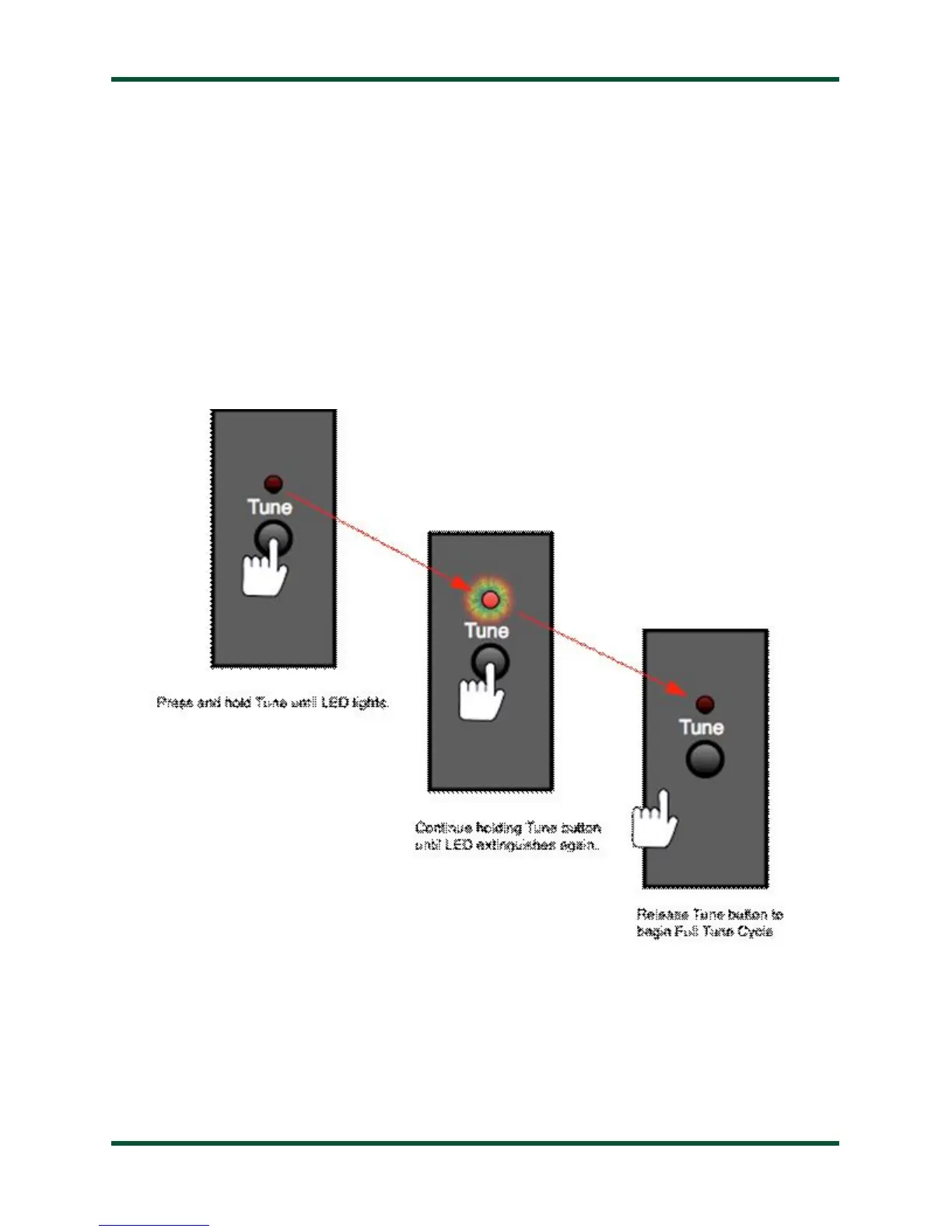
To force a full tuning cycle, press and hold the Tune button on the front panel of the AT-
897Plus until the Status LED lights up, and keep holding until the Status LED goes out again.
Release the Tune button once the Status LED goes out. A full tuning cycle will begin. When
tuning is complete, the transceiver will be restored to its previous operating mode and power
level.
Be aware that the AT-897Plus tunes in AM mode. The microphone input is live during
tuning, so anything you say will be heard while tuning!



 To Next Page