www.lectrosonics.com 5
PWR/BACK Button
Press the PWR/BACK switch to turn the power on. Press and hold it until
the display goes blank to turn power off. It also functions as a “back” but-
ton while navigating the various menus and setup screens to return to the
previous screen or menu item.
The firmware “remembers” whether the receiver was turned on or off after
power is disconnected, and it returns to that state when power is restored.
This allows the receiver to power up and down as the camera or external
supply is turned on and off.
Press the PWR/BACK button from the Main Window to briefly display
the external power voltage.
UP/DOWN Arrow Buttons
The UP and DOWN arrow buttons are used to select various options and
adjust values in the setup screens, and provide secondary functions such
as locking out the panel to guard against accidental changes.
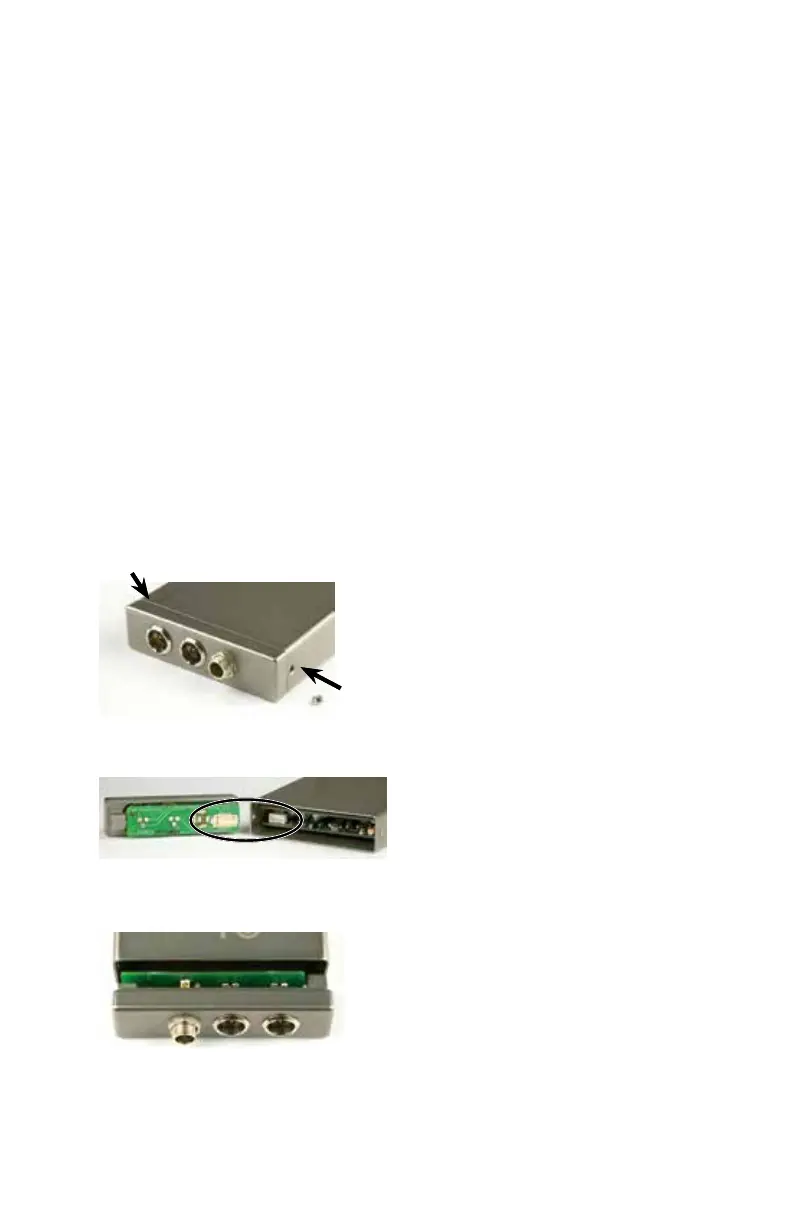
Installing Rear Panel Adapters
Installation of the rear panel output/power adapters is the same for all
models.
Panels are held in
place by two Phil-
lips head screws
on the sides of the
housing.
Connections
between the panel
and main circuit
board are made via
miniature mating
connectors.
Align the mating
connectors and
slide the panel
straight into the
housing until the
screw holes align
with the housing.



 To Next Page