12
3. Using the product&UUIT\SQTFIFSIHTSƴLZWFYNTS
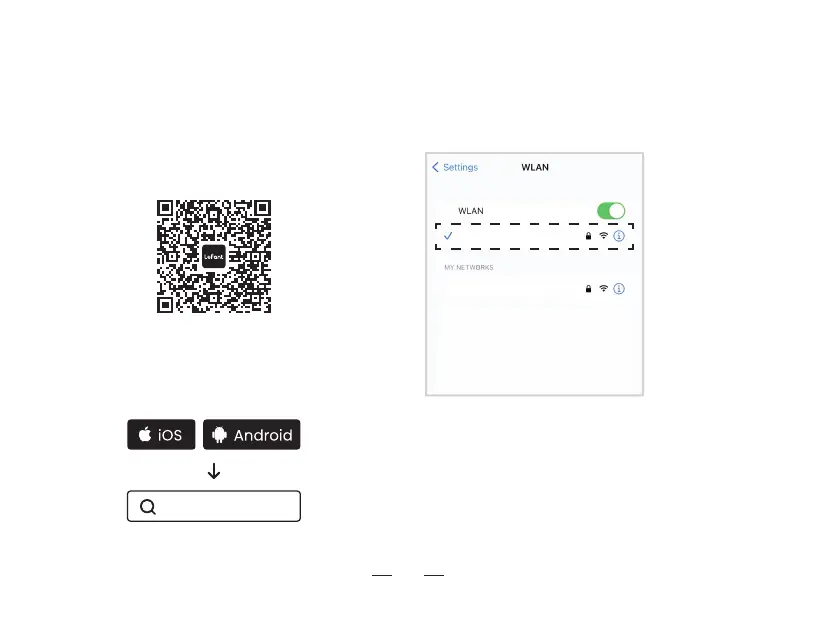
Downloading and installation of the “Lefant” app
Method I : Scan the following QR code, and then
download and install App as prompted.
Method II : Search "Lefant" in the App store, download
and install the Lefant app.
Tips:
+TQQT\YMJLZNIFSHJNSYMJ1JKFSYFUUYTWJLNXYJWQTLNS
and pair the robot.
* Please make sure that the mobile phone is connected
YT^TZW<N+NSJY\TWPGJKTWJUFWNSLYMJWTGTY[FHZZR
cleaner.
Note: The robot works with 2.4GHz Wi-Fi networks only.
TP-Link_2.4G
TP-Link_5G
Lefant



 To Next Page