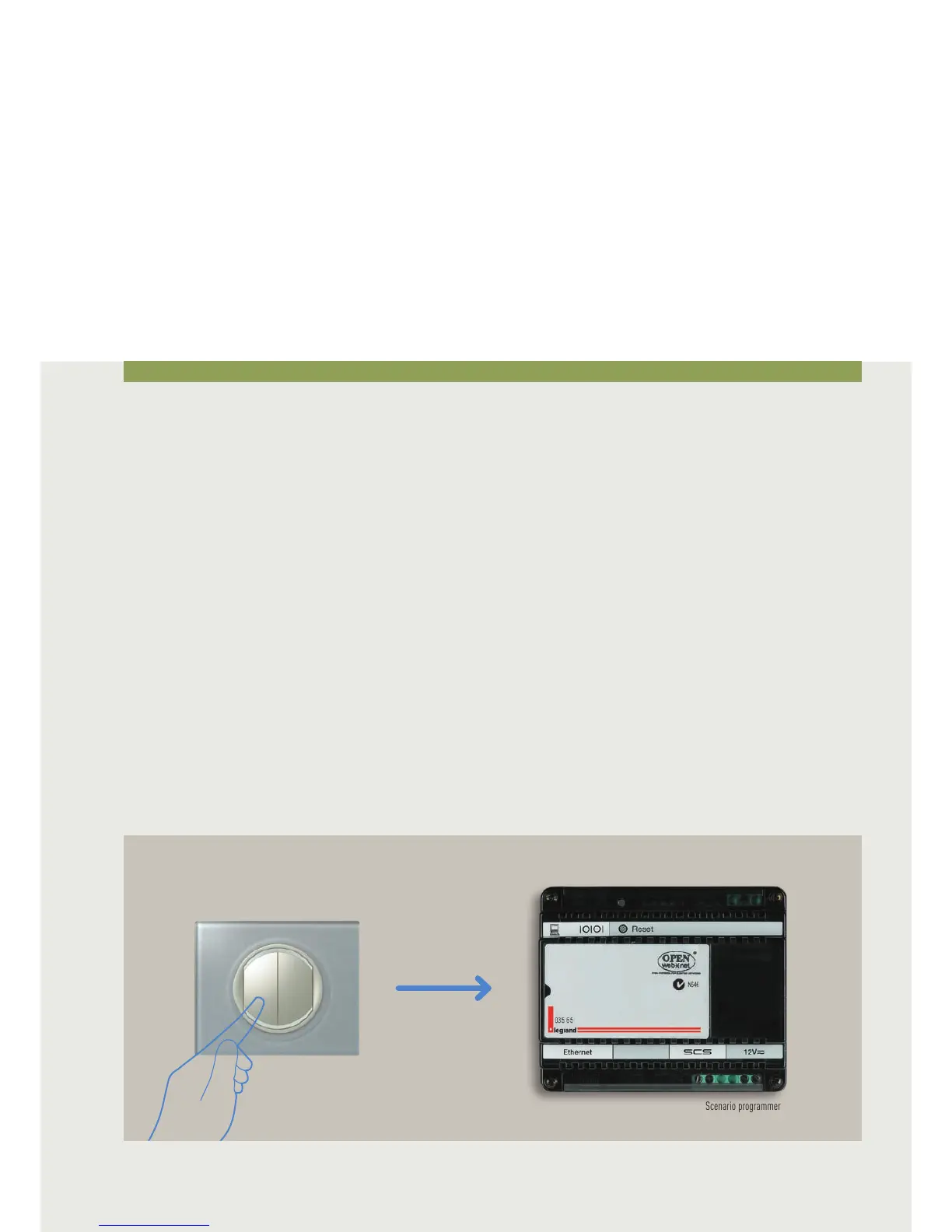
CONTROL DEVICES FOR ENHANCED FUNCTIONS FOR SCENARIO PROGRAMMER 035 65
The device, installed in a My Home Legrand system, performs
the scenarios programmed with the 035 65 software (supplied
with the CD which comes with the device) after the following
activation, deactivation, block or unblock events:
• Pressing a control pushbutton (configured in CEN mode);
• Switching a light ON or OFF (apart from the dimmer light
points);
• Operation of automatic devices (movement of rolling
shutters);
• An event managed by one of the nine auxiliary channels;
• A time or a date;
• A burglar-alarm system event;
• A condition which occurs on the temperature control
system
• A call from the entrance panel or the state of a video door
entry system camera.
• A sound system event
After these events the scenario programmer 035 65 can then
control the My Home Legrand system applications.
The performance of a conditioned scenario matched to a
particular time or date allows for example simulating being at
home through the automatic activation of the rolling shutters
or the lighting while away from home and at prefixed times.
An automation system control pushbutton can be
programmed so that, if pressed, it blocks all the scenarios
being run (Panic Key).
Control devices
Scenario programmer
Control with CEN
configurator



 To Next Page